Last reviewed: June 2026
You use a phone app to pay for coffee, groceries, and rides. One tap moves money from your bank to a merchant. That convenience also creates a target for thieves.
If a hacker steals your phone or hacks your account, you could lose hundreds or thousands of dollars before you notice. The loss can also affect your credit if fraud reports are filed.
This guide shows you, step by step, how to lock down your digital wallet, choose secure apps, and respond if something goes wrong.
This article provides educational information only and does not constitute financial or legal advice.
Key Takeaways
- Use a strong
- unique passcode or biometric lock for your device
- Enable two-factor authentication on every wallet app.
- Keep your apps updated and delete any you no longer use.
- Store only the amount you need for daily spending in the wallet.
- Monitor transaction alerts daily and report suspicious activity immediately.
- Back up your wallet credentials in a secure password manager.
Choose the Right Wallet App
For a vetted, regularly updated list of tools that can help, explore our AI finance tools directory.
Not every wallet app offers the same level of protection. Look for apps that encrypt data at rest and in transit. Check that the provider complies with PCI-DSS standards and has a clear breach response policy.
Read the privacy policy to see how your data is stored. Apps that keep encryption keys on the device rather than in the cloud reduce exposure. Avoid apps that require you to enter the full card number for each transaction.
Verify App Authenticity
Download apps only from official stores. Verify the developer name matches the company you expect. Check the number of downloads and read recent reviews for red flags.
Review Security Features
Confirm the app supports biometric login, device-level encryption, and remote wipe. Some apps also let you set a transaction limit per purchase. Use that limit to cap potential loss.
Secure Your Mobile Device
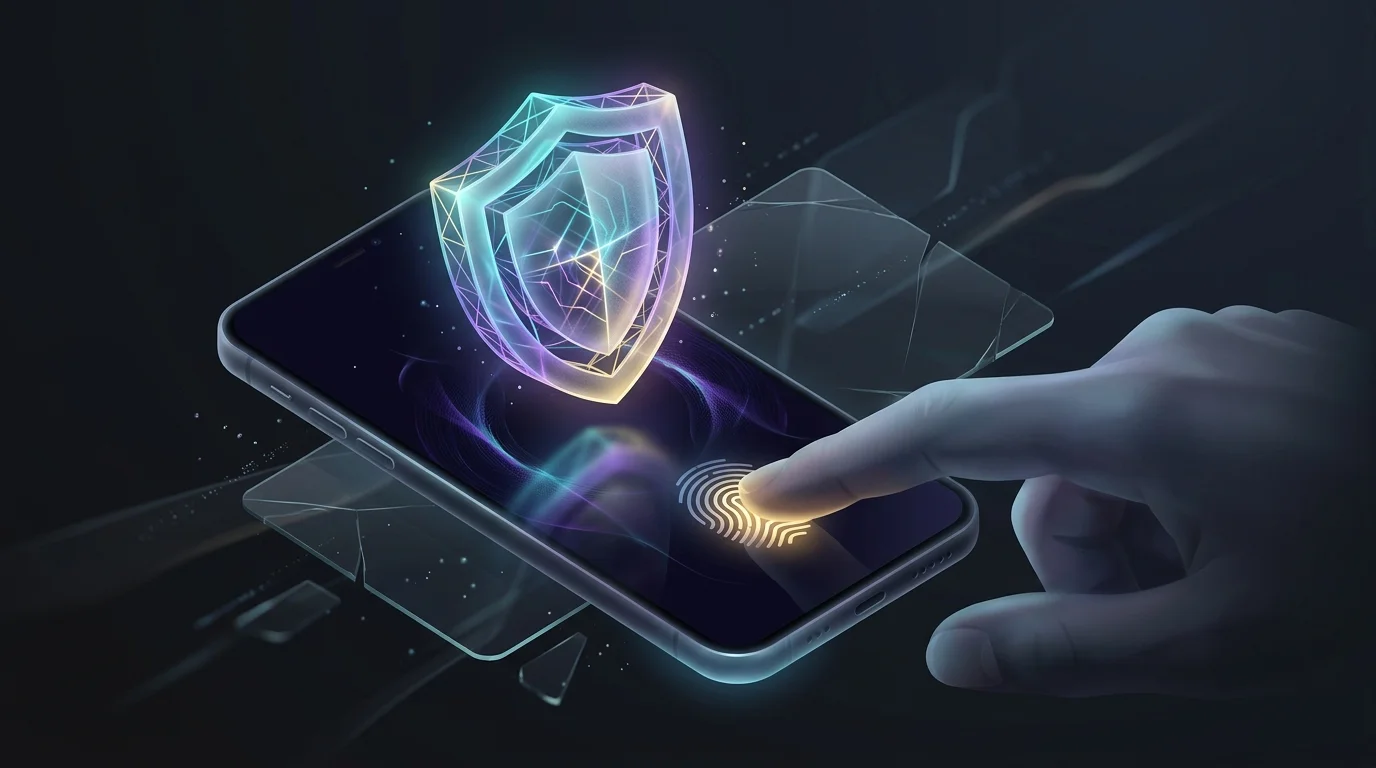
Your phone is the gateway to your digital wallet. If the device is compromised, every linked account is at risk.
Set a passcode that is at least six digits and not easy to guess. Combine that with fingerprint or facial recognition if your phone supports it.
Keep the Operating System Updated
Manufacturers release patches for security flaws regularly. Install updates within a week of release. Delaying updates leaves known vulnerabilities open for exploitation.
Install a Reputable Mobile Security App
A lightweight security app can scan for malware, block phishing links, and alert you to suspicious app behavior. Choose a product with a good track record and avoid free tools that bundle adware.
Use Strong Authentication
Two-factor authentication (2FA) adds a second barrier beyond your password. Enable it on every wallet service, bank, and email account linked to your wallet.
Prefer Authenticator Apps Over SMS
SMS codes can be intercepted via SIM swapping. Authenticator apps generate codes on the device itself and are not vulnerable to carrier attacks.
Set Up Backup Codes
When you enroll in 2FA, the service will give you backup codes. Store them in a secure password manager, not on paper or in an unencrypted file.
Limit Exposure Through Transaction Controls
You do not need to keep a large balance in a digital wallet. Transfer only the amount you expect to spend in the next few days.
Set Daily or Per-Transaction Caps
Many wallet apps let you define a maximum spend per transaction. Set this limit low enough that a single unauthorized charge would be manageable.
Enable Real-Time Alerts
Turn on push notifications for every transaction. Review each alert promptly. If you see a charge you did not make, you can freeze the wallet within minutes.
Protect Your Network Connections
Public Wi-Fi is a common attack vector. When you connect to an unsecured network, hackers can sniff data between your phone and the payment server.
Use a Trusted VPN
A reputable VPN encrypts all traffic from your device to the internet. Choose a provider that does not log activity and offers strong encryption protocols.
Avoid Auto-Connect Settings
Disable automatic Wi-Fi connections on your phone. Manually select networks you trust, and verify the network name with the venue staff.
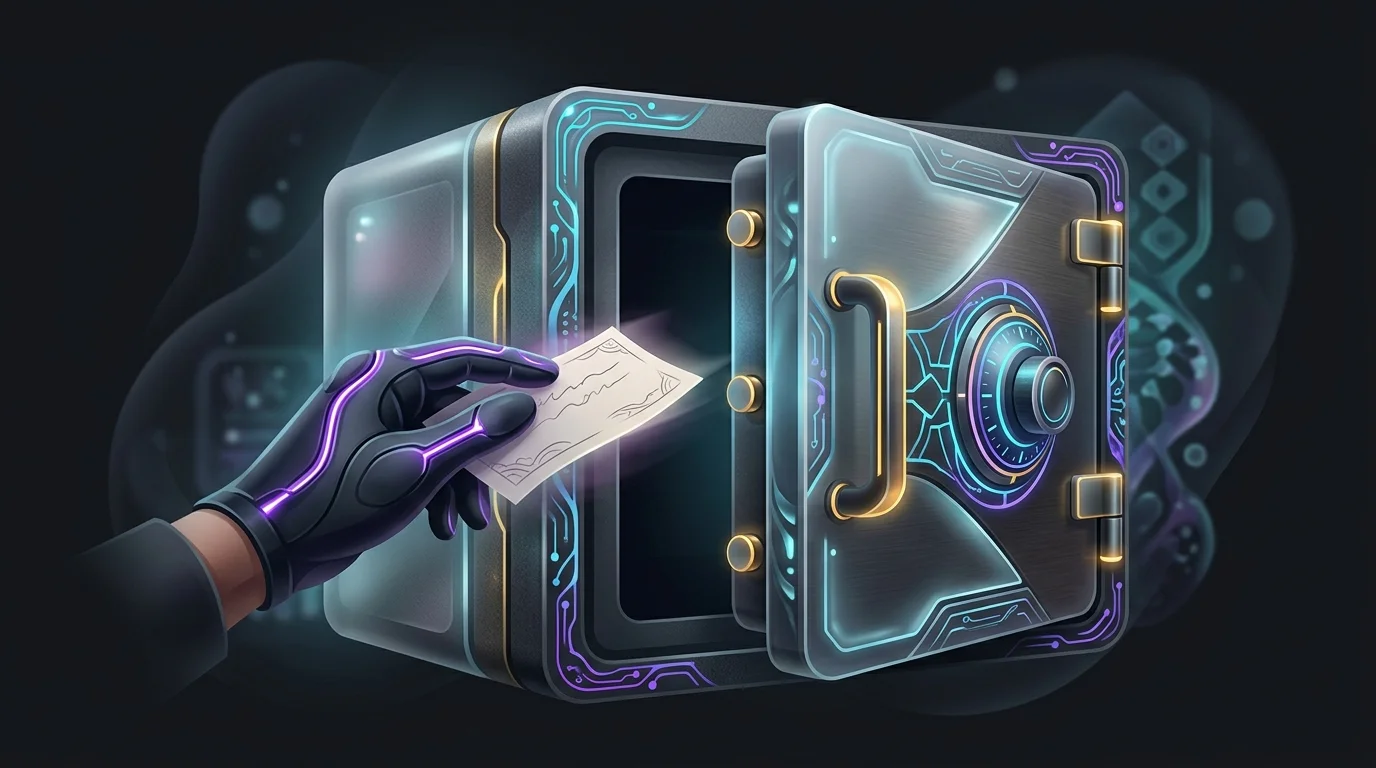
Backup and Recovery Planning
If your phone is lost or damaged, you need a way to regain access to your wallet without exposing your funds.
Store Recovery Phrases Securely
Some wallets use a seed phrase of twelve or twenty-four words. Write this phrase on paper and keep it in a fire-proof safe. Do not store it digitally unless it is encrypted in a password manager.
Register a Backup Phone Number
Many services let you add a secondary phone number for recovery. Choose a number you control and keep it active.
Respond Quickly to a Security Incident
Even with precautions, breaches can happen. Acting fast limits loss.
Freeze the Wallet Immediately
Most apps have a “freeze” or “lock” button. Use it as soon as you suspect fraud.
Contact Your Bank or Card Issuer
Report the unauthorized transaction within the timeframe required by your card network, typically 60 days. Request a new card number and monitor the old account for lingering activity.
File a Report with the FTC
If you suspect identity theft, file a report at identitytheft.gov. This creates an official record that can help you dispute fraudulent charges.
Related guides
- Best Ways to Protect Your Money from AI-Powered Scams
- Best Ways to Evaluate Investment App Security
- How to Buy and Sell NFTs Safely
- How to Switch to Digital Banking
- How to Navigate Web3 Finance
- How to Choose Between Digital Banks and Traditional Banks
- How to Participate in Defi Lending
- How to Manage Money as a Digital Nomad Across Multiple Countries
- Key Insights: Why Retirement Planning Is Important for a Secure Future
Sources
- Investor’s official resource on this topic
- guidance on protecting your privacy on apps
- additional detail from SEC’s introduction to investing fundamentals
- IRS IRA contribution limits page
- further context: digital assets guidance page
Frequently Asked Questions
What is the safest way to store a digital wallet on my phone?
Use an app that keeps the encryption keys on the device, supports biometric login, and allows you to set a low daily spend limit. Pair it with a strong device passcode and a reputable mobile security app.
Can I use my digital wallet on multiple devices?
Yes, but each device must meet the same security standards. Enable 2FA on every device, keep the operating system updated, and avoid syncing wallet data through unsecured cloud services.
How often should I change my wallet passwords?
Change them at least once a year, or immediately after any suspected breach. Use a password manager to generate and store unique, complex passwords for each service.
Is a VPN necessary for everyday wallet use?
A VPN is not required on a trusted home network, but it adds protection on public Wi-Fi. Choose a VPN that offers strong encryption and a no-logs policy.
What should I do if my phone is stolen?
Remote-wipe the device through your phone’s find-my-device feature. Freeze all linked wallets from another device or computer. Then follow the incident response steps to secure your accounts.
Are there any fees for locking or freezing a digital wallet?
Most wallet providers allow you to freeze the account at no cost. Some may charge a small fee to issue a replacement card after a freeze, but the fee is typically lower than the loss from fraud.