
Last reviewed: June 2026
Investors lose money every year when a trading platform is hacked. A 2024 breach at a midsize robo-advisor exposed $12 million of client funds. You may be using an app that looks polished but hides weak encryption.
If your app is compromised, you could face lost principal, tax headaches, and a ruined How to Improve Your Credit Score Quickly: Real Strategies That Actuall. The cost of a breach can run into thousands of dollars in legal fees and years of rebuilding trust.
This post shows you how to test an investment app’s security. You will learn a step-by-step checklist, the key certifications to look for, and the tools you can use without hiring a specialist.
This article provides educational information only and does not constitute financial or legal advice.
Key Takeaways
- Verify that the app uses end-to-end encryption with TLS 1.3 or higher
- Check for multi-factor authentication and biometric options.
- Look for third-party security audits published within the last 12 months.
- Confirm that the app follows the SEC’s Regulation S-P and the FTC’s data-security guidelines.
- Test the app’s session management by logging out on one device and confirming the session ends everywhere.
- Keep the app updated and enable automatic updates to receive the latest patches.

Understand the Regulatory Landscape
For a vetted, regularly updated list of tools that can help, explore our AI finance tools directory.
Regulators require investment platforms to protect client data. The SEC’s Regulation S-P mandates that firms implement reasonable safeguards. The FTC’s Safeguards Rule adds that financial institutions must have a written security program.
State insurance departments also monitor fintech firms that offer custodial services. Violations can lead to fines of up to $100 000 per incident. Knowing the rules helps you spot red flags when a provider claims compliance without evidence.
Why compliance matters for you
When a firm follows the rules, it is more likely to have undergone independent testing. That reduces the chance of a data leak that could affect your portfolio. Non-compliant apps often skip critical steps like regular penetration testing.
How to verify compliance claims
Ask the provider for a copy of its SOC 2 Type II report. The report should be dated within the last year and cover security, availability, and confidentiality. If the firm cannot produce the report, treat the claim with skepticism.

Check Encryption Standards
Encryption protects data as it travels between your phone and the app’s servers. Look for TLS 1.3 or higher in the app’s network traffic. Older versions like TLS 1.0 are vulnerable to downgrade attacks.
Using a simple tool to test TLS
You can run a free online scanner such as SSL Labs’ SSL Test. Enter the app’s domain and review the grade. A grade of A or A+ indicates strong encryption. Anything lower suggests the provider needs to upgrade.
What to do if encryption is weak
If the test shows outdated protocols, contact support and ask for a timeline to upgrade. If they cannot give a clear answer, consider moving your funds to a more secure platform.
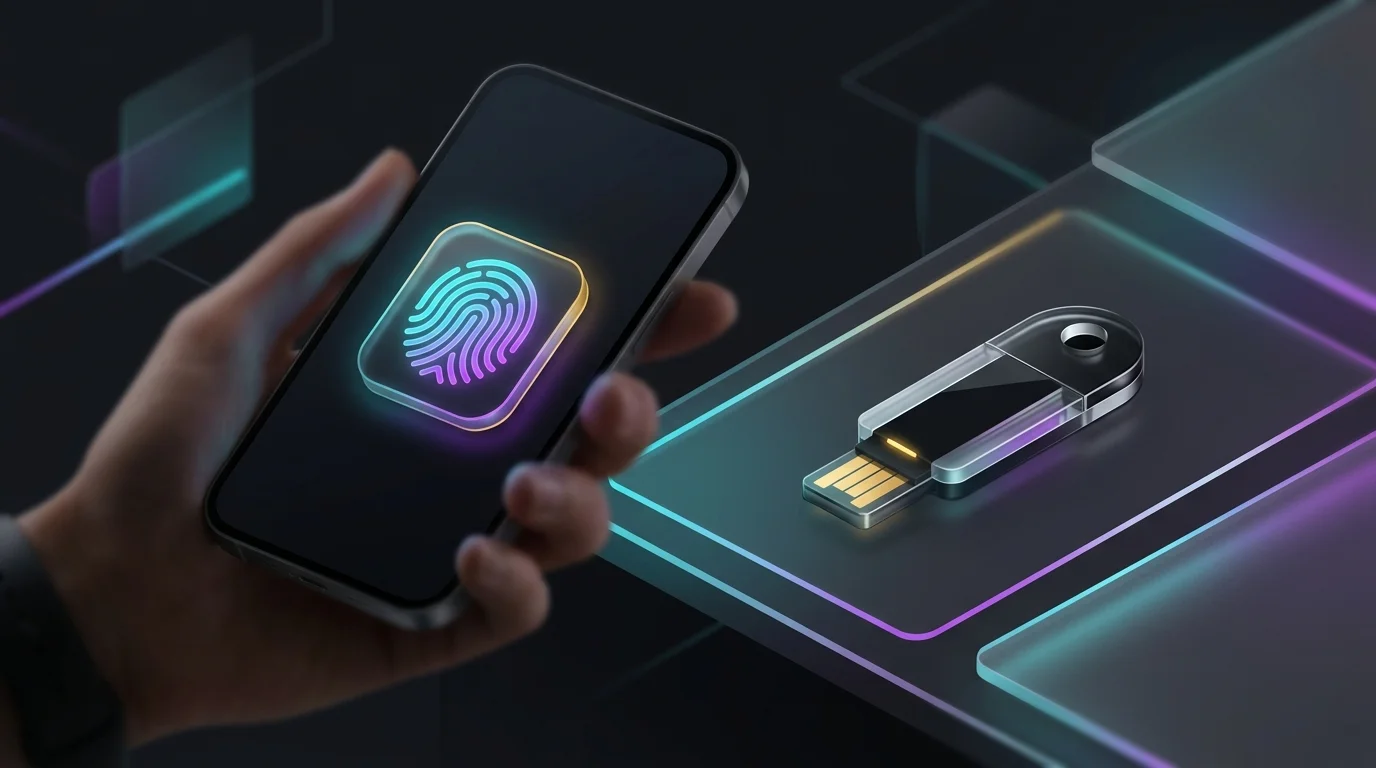
Evaluate Authentication Controls
Strong authentication stops unauthorized users from logging in. Look for at least two factors: something you know (password) and something you have (a code sent to your phone) or something you are (fingerprint or facial recognition).
Setting up multi-factor authentication
Open the app’s security settings. Enable both a time-based one-time password (TOTP) and biometric login if available. Test the flow by logging out, then trying to log back in on a new device. The app should require the second factor.
Red flags in authentication
If the app only asks for a password, or if it allows “remember me” without a second factor, it is a risk. Also watch for SMS codes only; SIM swapping attacks can bypass them.
Look for Independent Security Audits
A reputable audit shows that a third party has examined the app’s code and infrastructure. Audits are often performed by firms like NCC Group, Mandiant, or PwC.
How to read an audit summary
The audit should list the scope (mobile code, API endpoints, cloud services), the methodology (static analysis, dynamic testing), and any findings. Critical findings should have a remediation plan with dates.
Frequency of audits
Best practice is an annual audit with quarterly vulnerability scans. If the provider only performed an audit five years ago, the security posture is likely outdated.
Test for Secure Data Storage
Investment apps store personal data, account numbers, and sometimes private keys. This data should be encrypted at rest using AES-256 or stronger.
Checking storage encryption on Android
Use the “adb shell dumpsys” command to view the app’s storage settings. Look for “encryption=AES256”. On iOS, the app must use the device’s Data Protection API with “Complete” protection level.
What to do if storage is not encrypted
Contact support and request clarification. If the answer is vague, move your assets to a platform that encrypts data at rest.
Review Incident Response Plans
Even the best security can fail. A clear incident response plan shows how quickly the firm will act after a breach.
What the plan should include, A timeline for notifying affected users (usually within 72 hours).
- Steps for securing accounts (forced password reset, temporary freeze).
- A point-of-contact for legal and financial assistance.
How to obtain the plan
Ask the provider for a copy of its incident response policy. If they refuse, treat that as a warning sign.
Assess Third-Party Integrations
Many investment apps connect to brokerage APIs, market data feeds, and payment processors. Each connection adds risk.
Mapping the data flow
Create a simple diagram: your device → app server → brokerage API → market data provider. Identify which points involve data transfer and whether each link uses encryption.
Vetting third-party partners
Check whether the partner holds certifications such as ISO 27001 or SOC 2. If a partner lacks any security credential, the overall risk rises.

Perform a DIY Penetration Test
You do not need a full-time security team to run basic checks. Free tools like OWASP ZAP can scan the app’s web endpoints for common flaws.
Steps for a quick scan
- Install ZAP on your computer.
- Set up a proxy and point your phone’s Wi-Fi to the proxy.
- Open the investment app and perform typical actions (login, view portfolio, transfer funds).
- Stop the capture and let ZAP generate a report.
- Look for high-severity alerts such as “SQL injection” or ” insecure cookie”.
Interpreting results
If the scan finds critical issues, share the report with the provider and request remediation. If they dismiss the findings, consider a more secure alternative.
Keep the App Updated
Software updates often contain security patches. An outdated version can be an easy target.
Enabling automatic updates
On Android, go to Settings → Apps → [App] → Enable auto-update. On iOS, open Settings → App Store → App Updates. Verify that the app’s version number matches the latest release listed on the app store.
Checking the changelog
Read the release notes for each update. Look for entries such as “fixed authentication bypass” or “addressed encryption weakness”. If the notes are vague, ask the provider for details.
Related guides
- How to Avoid Investment Scams
- How to Choose Between Robo-Advisors and DIY Investing
- Best Ways to Protect Your Money from AI-Powered Scams
- How to Choose a Financial Advisor
- How to Protect Digital Wallets
- Best AI-Powered Financial Planning Tools
- How to Invest in Fractional Real Estate
- Your Guide to the Best Cyber Liability Coverage Options That Won’
Sources
- IRS IRA contribution limits page
- IRS IRA page
- additional detail from IRS’s official resource on this topic
Frequently Asked Questions
How can I tell if an investment app is regulated?
The app should display its registration number with the SEC or state securities regulator. You can verify the number on the regulator’s website.
What is the difference between SOC 2 Type I and Type II?
Type I reports on the design of controls at a point in time. Type II includes testing of those controls over a period of at least six months. For ongoing security, look for Type II.
Are free investment apps less secure than paid ones?
Cost does not guarantee security. Some free apps have strong encryption and third-party audits, while some paid services may lack recent testing. Evaluate each app on the checklist, not on price alone.
Can I use a VPN to improve app security?
A VPN encrypts traffic between your device and the VPN server, but it does not replace TLS encryption between the app and its servers. Use a VPN for privacy, but still verify the app’s own security measures.
What should I do if I suspect my account was hacked?
Immediately log out of all devices, change your password, enable multi-factor authentication, and contact the provider’s fraud department. Report the incident to the FTC and your state securities regulator.
How often should I re-evaluate an app’s security?
At least once a year, or after any major update or breach in the industry. Regular checks keep you aware of new risks and ensure the app stays compliant.