Last reviewed: June 2026
Here’s the honest version nobody selling you an app will say out loud: AI workout plan generators have gotten genuinely good at the boring, important parts of training. They choose your exercises, pick your weights, and nudge the numbers up week after week. That’s most of what a decent program is. It’s also most of what people overpay a trainer to do.
But there are two things the algorithm still can’t do, and they happen to be the two things people actually need a coach for: fixing your form in the moment, and making you show up when you don’t feel like it. So this isn’t a “robots replaced your trainer” piece. It’s a map of which AI workout plan generator fits your goal in 2026, and exactly where each one leaves you on your own.
I’ll name five apps, tell you who each one is for, list real pricing, and end with the question most of these reviews skip: when is paying a human still the right call?
Key Takeaways
| App | Strength | Best For |
|---|---|---|
| ThriveX Fitness | Workouts plus nutrition | One all-in-one app |
| Fitbod | Strength progression | Building strength |
| Freeletics | No-equipment workouts | Training without equipment |
| Zing AI | Recovery-aware programming | Training around recovery |
| FitnessAI | Data-driven progression | Data-driven hypertrophy |
- AI is strong at programming and progression: exercise selection, set/rep schemes, and adding load over time. That’s the part most people get wrong on their own.
- AI is weak at real-time form correction and accountability. Phone-camera form checks help, but they don’t replace a coach catching a bad hip hinge from across the room.
- Pick by goal: Fitbod or FitnessAI for strength, Freeletics for travel and home bodyweight, Zing AI for recovery-aware training, ThriveX Fitness if you want workouts and nutrition in one place.
- A premium AI subscription runs roughly $13/month to about $90/year, far less than personal training, but only worth it if you actually open the app.
- Beginners with zero lifting experience, or anyone returning from injury, still benefit from a few in-person sessions first. AI assumes you can already move well.
What AI Workout Generators Actually Do Well (and What They Don’t)
For a vetted, regularly updated list of tools that can help, explore our AI health and wellness tools directory.
The short answer: AI is excellent at writing and adjusting your program, and mediocre at coaching you through it. It picks sensible exercises, manages how much you do, and progresses the load based on what you logged last time. What it can’t reliably do is see that your knee is caving in on rep eight, or care that you’ve skipped four days.
Programming is genuinely the hard part for most people. Left to ourselves, we repeat the exercises we like, avoid the ones we need, and either never add weight or add too much too fast. A good algorithm fixes all three. It tracks which muscle groups you’ve hammered, spaces out your hard days, and bumps the numbers when you’re ready. This is real, and it’s most of the value.
| What AI workout apps do well | What they still can't do |
|---|---|
| Pick sensible exercises for your goal and equipment | Correct your form in real time, mid-rep |
| Suggest the right weight from your logged history | See a breakdown as it starts and stop you |
| Progress load week to week without guesswork | Make you show up when motivation drops |
| Balance muscle groups and space out hard days | No tice you've gone quiet and check in like a person |
Where it falls down: form. Several apps now offer camera-based form checks, and they’re useful for obvious mistakes on big lifts. But a phone propped against a water bottle sees one angle, in one light, after the rep is done. A coach sees the breakdown as it starts and stops you. If you’re loading a barbell heavy and you’re new, that gap matters. The other gap is accountability. An app can send a notification, but it can’t sit across from you and notice you’ve gone quiet.
The U.S. government’s Physical Activity Guidelines for Americans recommend adults get at least 150 minutes of moderate activity plus two strength sessions a week. Every app below can build a plan that hits that. None of them can make you do it.
ThriveX Fitness: One App for Workouts and Nutrition
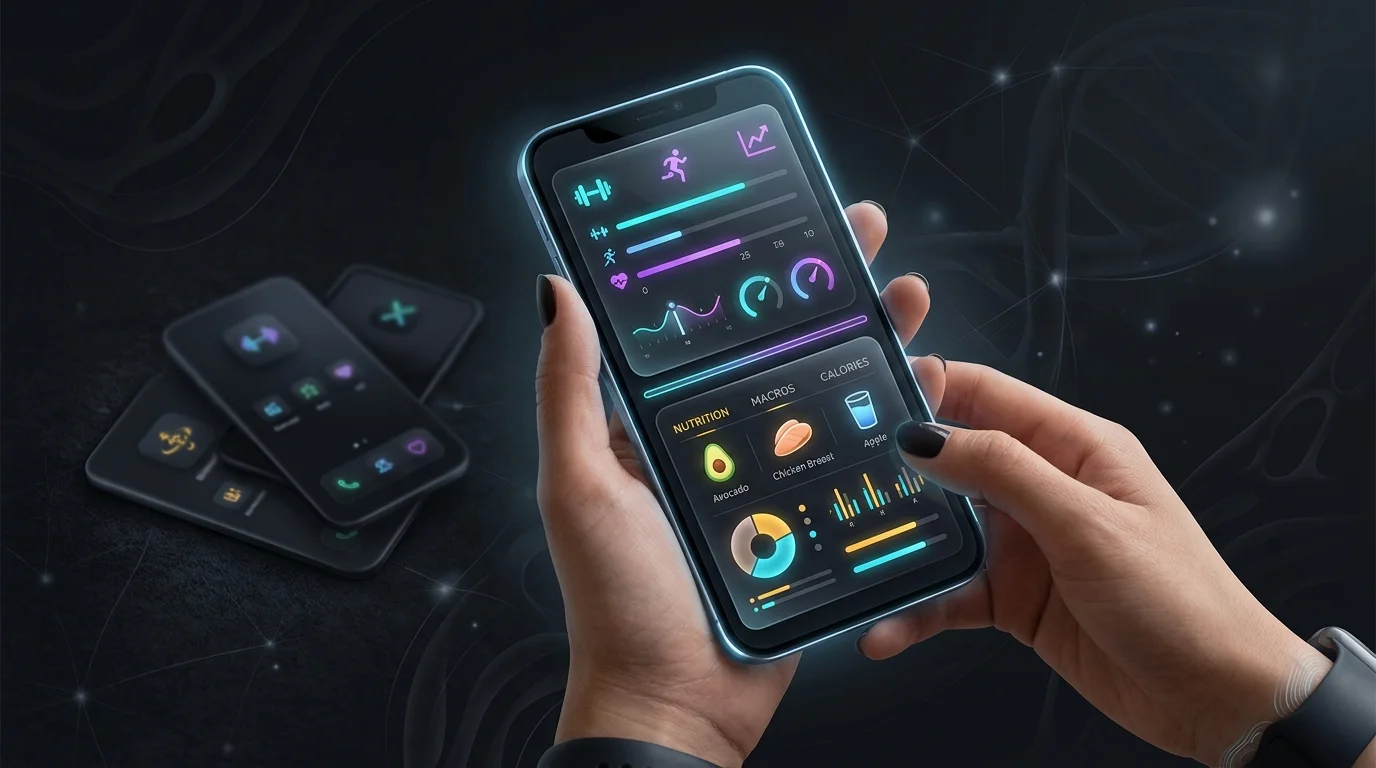
ThriveX Fitness is the pick if you’re tired of juggling a workout app, a macro tracker, and a separate notes file. It generates training plans that adapt to your goals and equipment, and pairs them with a nutrition tool that reads photos of your meals to estimate macros, so the “what do I eat” question lives in the same place as “what do I lift.”
The honest tradeoff with all-in-one apps is depth. A dedicated strength app may track fatigue more aggressively; a dedicated nutrition app may have a bigger food database. ThriveX trades some of that specialist depth for not making you manage three subscriptions you’ll half-use. If you’ve abandoned fitness apps before because the stack got annoying, that consolidation is the whole point.
Who it’s for
People who want structure without a stack: a single plan covering training and food, on their own schedule. If you mainly care about one thing (say, only powerlifting numbers), a specialist app below may serve you better. You can see how the platform fits together inside the ThriveX Fitness ecosystem, and if you’re weighing app subscriptions as a health expense, it’s worth knowing some wellness spending may be reimbursable through an HSA or FSA account depending on your plan’s rules.
Fitbod: The Best Pick for Building Strength
Fitbod is the one to beat if your goal is getting stronger in a gym. Its core trick is fatigue tracking: it logs which muscle groups you’ve trained recently and steers today’s session toward what’s recovered. You’re rarely told to smash the same pattern two days running, and you’re rarely left guessing what weight to use, since it suggests loads off your history.
The progress charts are the part I’d actually use. They show your working weights climbing with real numbers, which is the kind of feedback that keeps you going when motivation dips. Where Fitbod is thin: it’s a training app, not a nutrition one, and its form guidance is exercise demo videos rather than live correction. You bring the kitchen and the technique; Fitbod brings the plan.
Pricing: Fitbod’s premium plan is commonly listed around $12.99/month (annual billing lowers the effective monthly cost). Check the current rate on the app store before subscribing, since pricing changes.
Freeletics: Best for Training With No Equipment
Freeletics is the answer when the gym isn’t an option, whether that’s hotel rooms, small apartments, or just a strong dislike of barbells. Its AI coach builds bodyweight and HIIT sessions, then adjusts intensity based on how you rate each workout. Tell it a session crushed you and the next one eases off; tell it you breezed through and it ramps up.
The honest limit is the ceiling. Bodyweight training progresses beautifully up to a point, but if your goal is a heavy deadlift, you’ll eventually need a loaded bar Freeletics can’t give you. For general conditioning, travel weeks, or staying consistent without a gym membership, it removes most excuses. As a complement to a gym routine rather than a full replacement, it’s one of the better bodyweight engines out there.
Pricing: Freeletics typically sells coaching in multi-month blocks; a roughly three-month plan often lands near $34.99, though promotions and regions vary. Confirm the live price in-app.
Zing AI: Best for Training Around Recovery
Zing AI’s angle is recovery. Instead of handing you the same session regardless of how wrecked you are, it factors in signals like heart-rate data to decide whether today should be hard or easy. Under-recovered? It pulls back. Fresh? It lets you push. For people who burn out by going 100% every day, that brake is the feature.
The catch: recovery-aware training is only as good as the data you feed it. If you don’t wear a tracker consistently or log how you feel, the “adaptive” part has little to work with and you’re back to a standard plan. Used properly, though, it solves the most common reason people quit: they train through fatigue until something hurts or they just stop. Pacing is underrated, and Zing leans into it harder than most.
If you want to understand why recovery and consistency beat raw intensity over a year, the CDC’s physical activity basics are a solid, jargon-free primer on how much is actually enough.
FitnessAI: Best for Data-Driven Hypertrophy
FitnessAI is for the lifter who wants to see the numbers behind every decision. It was built around large volumes of real workout data and leans on that to tune your exercise selection, sets, reps, and weight for muscle growth. If you like watching trend lines and tweaking variables, this is the most “spreadsheet brain” of the bunch.
It overlaps a lot with Fitbod, so the choice often comes down to feel: some people prefer Fitbod’s interface, others like FitnessAI’s progression logic. Like Fitbod, it’s a training tool, not a coach. There’s no live form fixing, and nutrition is secondary. If raw program optimization is what you’re after and you’ll actually log every set, it delivers.
Pricing: FitnessAI has commonly offered an annual plan in the $89.99/year range. As always, verify the current price in the app store, since subscription tiers shift.
How to Choose Between Them
Start with one question: what’s your primary goal? Don’t pick by feature lists. Pick by the single outcome you care about most, then ignore the rest. Running three apps “to cover everything” is how people end up consistently using none of them.
| Your primary goal | Recommended app |
|---|---|
| Get stronger in a gym | Fitbod or FitnessAI |
| Train at home or while traveling | Freeletics |
| Stop burning out and train around recovery | Zing AI |
| Workouts and nutrition in one place | ThriveX Fitness |
One more filter most reviews skip: experience level. If you’ve never touched a barbell, or you’re coming back from an injury, none of these apps will catch a dangerous habit before it costs you. A handful of in-person sessions to lock in technique, then an AI app to run the program long-term, is a smarter sequence than going straight to the algorithm and hoping.
Honest Comparison: The 5 Apps Side by Side
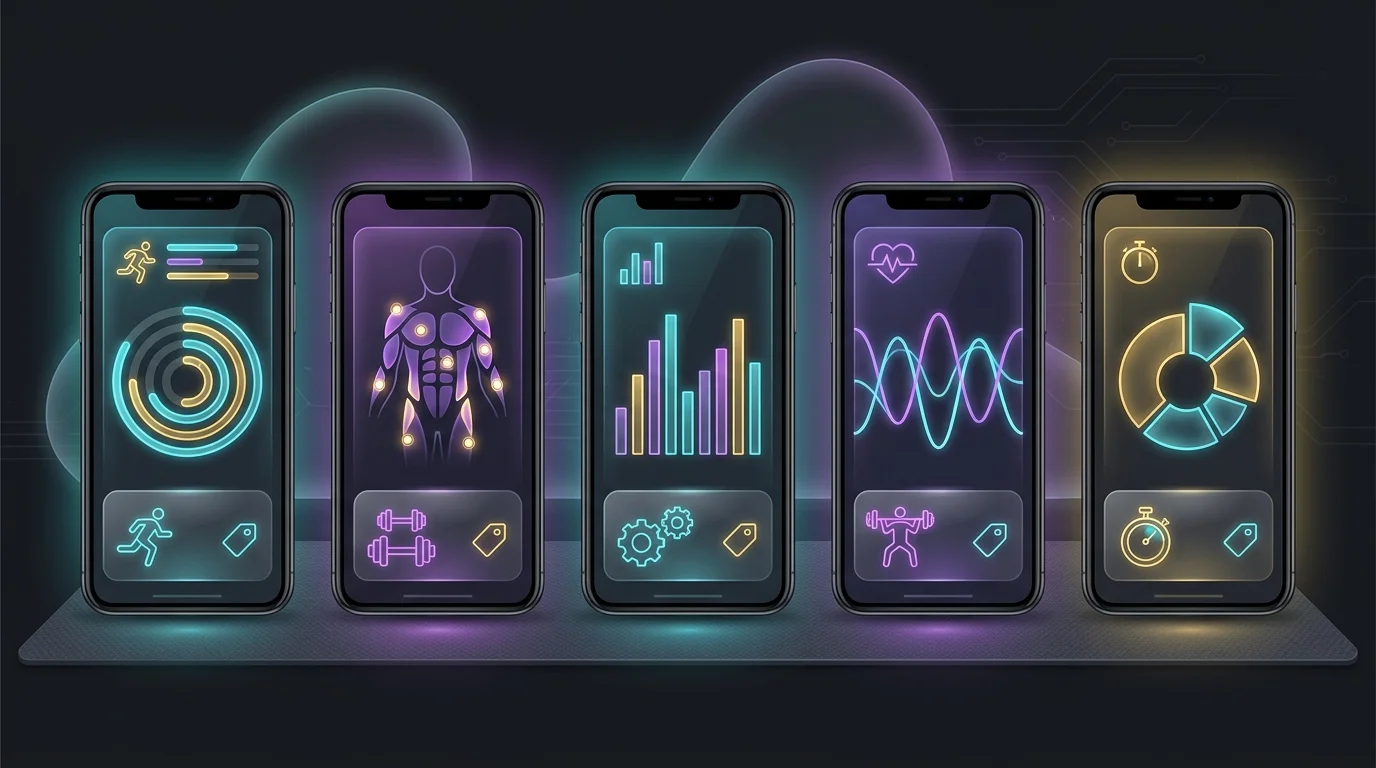
Here’s the quick version. Prices are typical published figures and shift often, so treat them as ballpark and confirm in-app before you pay.
| App | Best for | Typical price | Biggest weakness |
|---|---|---|---|
| ThriveX Fitness | Workouts + nutrition in one app | Subscription (see site) | Less specialist depth than single-focus apps |
| Fitbod | Gym strength training | ~$12.99/mo | No nutrition; demo-video form only |
| Freeletics | Bodyweight / travel | ~$34.99 / 3-mo block | Limited for heavy loaded lifting |
| Zing AI | Recovery-aware training | Subscription (see app) | Needs consistent tracker/feedback data |
| FitnessAI | Data-driven hypertrophy | ~$89.99/yr | No live form coaching; nutrition secondary |
The cost gap between any of these and a personal trainer is large. A couple of trainer sessions a week can run hundreds of dollars a month, versus roughly the price of a coffee or two for an app. But cheaper only wins if you use it. A $13/month app you ignore is more expensive than a trainer you actually show up for.
Related guides
- more on Top 5 Best AI Workout Plan Generators in 2026 That Actually
- more on Fitbod vs Freeletics 2026: Gym AI vs Bodyweight
- more on Best AI Fitness Apps for Beginners in
- more on Post Workout Meal Guide: What to Eat After Training (and When)
- more on Full-Body Home Workout With No Equipment (No Gym)
- more on Best AI Recovery Apps for Athletes in
- more on Best Free AI Fitness Apps in 2026 (No Paywall)
- Thrive X Fitness vs Traditional Personal Training: 7 Big Differences Y
- DNA Workout Blueprint: How To Choose Muscle Growth Workouts Based On Y
Sources
Summary
AI workout plan generators have quietly become the better tool for the job most people hire trainers for: building a sensible program and progressing it over time. Fitbod and FitnessAI own gym strength, Freeletics owns bodyweight and travel, Zing AI handles recovery, and ThriveX Fitness covers training and nutrition together. Any of them will write you a better plan than you’d write yourself.
Just go in clear-eyed about the gaps. The algorithm won’t fix your squat from across the room, and it won’t drag you off the couch on a bad week. If you can supply the technique and the discipline, or buy a few real sessions to cover the technique part, an AI app is the cheapest, most consistent coach you’ll find. Pick one by your top goal, and open it this week. The plan that works is the one you actually run.
Frequently Asked Questions
Can an AI workout app really replace a personal trainer?
For programming and progression, mostly yes. AI picks your exercises, weights, and increases as well as or better than an average trainer. It can’t replace a coach for two things: catching form breakdowns in real time and holding you accountable. If those aren’t your weak points, an app covers the rest at a fraction of the cost.
Are the camera-based form checks accurate?
They’re useful for spotting obvious errors on major lifts, but they see one camera angle after the rep and miss subtle issues a coach catches live. Treat them as a helpful second opinion, not a safety net. If you’re lifting heavy and new to it, a few in-person sessions first is the safer play.
Which AI workout generator is best for total beginners?
For a true beginner, a bodyweight-first app like Freeletics lowers the injury risk because there’s no loaded barbell to mishandle. An all-in-one like ThriveX Fitness also works if you want guidance on food alongside training. Either way, learning a few basic movement patterns properly first will get you more out of any app.
How much do these apps cost per month?
Most premium plans land between about $13/month and roughly $90/year depending on billing. That’s well under the cost of even one weekly personal-training session. Prices change often, so always confirm the current rate on the app’s store listing before subscribing.
Do I need a smartwatch or tracker to use them?
Not for most. Fitbod, Freeletics, FitnessAI, and ThriveX Fitness work fine with just your phone and honest logging. A tracker mainly helps recovery-focused apps like Zing AI, which lean on heart-rate and sleep signals to adjust intensity. Without that data, the “adaptive” features have less to work with.
How much exercise should the plan actually give me?
The federal Physical Activity Guidelines for Americans recommend at least 150 minutes of moderate aerobic activity per week plus two muscle-strengthening sessions. Any of these apps can build a plan that meets that baseline. The variable that decides results is whether you stick with it.