Best AI Fitness Apps for Beginners in 2026
Last reviewed: June 2026
Starting a fitness routine without prior experience can feel overwhelming. AI fitness apps try to reduce that barrier by generating personalized workout plans, adjusting difficulty over time, and walking users through exercises with video or audio cues. The promise is that a novice can open the app and know exactly what to do on day one.
Not all apps live up to that promise equally well. Some are built around the needs of intermediate lifters and include a beginner mode as an afterthought. Others build hand-holding into their core experience. You can compare more options in the AI health and wellness tools directory if none of the four covered here match your situation.
This article evaluates Planfit, Freeletics, Nike Training Club, and Fitbod specifically on how much structure and guidance they offer someone who has never followed a training program before.
Key takeaways
- Apps vary widely in how much structure they provide to a first-time user from day one.
- Planfit and Fitbod are gym-oriented; Nike Training Club and Freeletics work without equipment.
- Free tiers differ substantially across these four apps in what they actually unlock.
- No app provides real-time form correction the way a qualified trainer would.
- The right ai fitness app for beginners depends on where you plan to train and how much you want the app to decide for you.
What Makes an AI Fitness App Genuinely Useful for Beginners
Most app review lists rank fitness tools by feature count: macro tracking, wearable integration, social challenges, and exercise variety. Those features matter less to a true beginner than a few specific things: clear exercise instructions with video, a structured plan that removes guesswork, progressive difficulty that adjusts as you improve, and a low-friction onboarding process.
When evaluating an ai fitness app for beginners, the key question is not how many workouts are in the library. It is whether the app tells a new user what to do today, explains how to do it safely, and makes it easy to come back tomorrow.
Planfit: Step-by-Step Gym Guidance for New Lifters
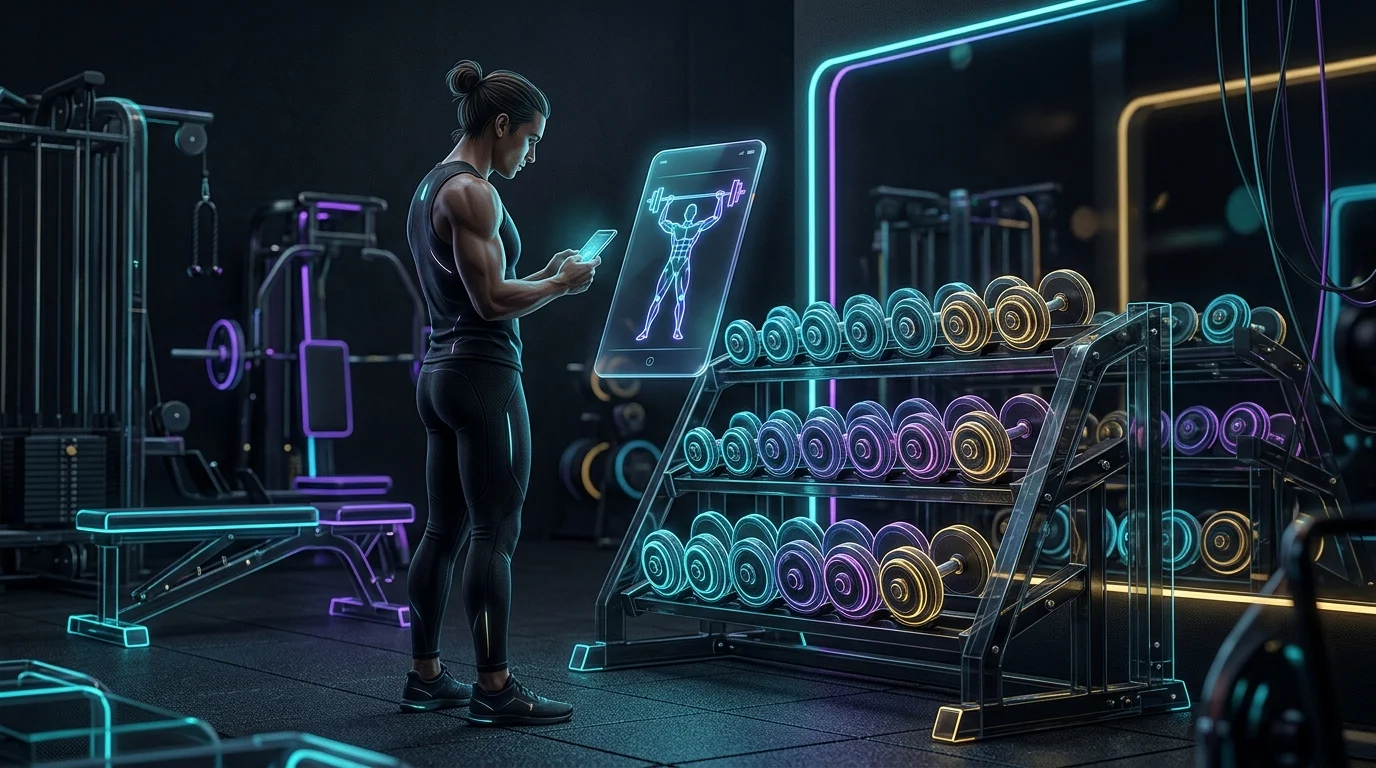
Planfit generates gym workout plans using an AI system that takes your available equipment, experience level, and goals into account during onboarding. For beginners who plan to train in a commercial gym, it provides one of the more structured starting experiences available: the app tells you which exercises to do, in what order, and for how many sets and reps, with short video demonstrations attached to each movement. See the National Institutes of Health for official guidance.
The AI adjusts future sessions based on the weights you log, which means the plan evolves without you needing to figure out progressive overload manually. That automation is useful for beginners who do not yet know when or how to increase load. Planfit has a free tier, though access to full plan customization requires a subscription.
Nike Training Club: A Free Starting Point with Trainer-Led Workouts
Nike Training Club offers a large library of trainer-led video workouts across strength, cardio, yoga, and mobility. The app requires no equipment for many of its programs, which lowers the barrier for someone who is not yet ready to go to a gym. Workouts are filmed with real trainers who provide verbal cues throughout, which helps beginners follow along without needing to read instructions separately.
The personalization in Nike Training Club is lighter than in Planfit or Fitbod. The app can suggest workouts based on your goals and available equipment, but it functions more like a well-organized video library with recommendations than a fully adaptive AI coach. For a beginner who wants variety and low cost, it is a practical first step.
Freeletics: AI Coaching Built Around Bodyweight Training
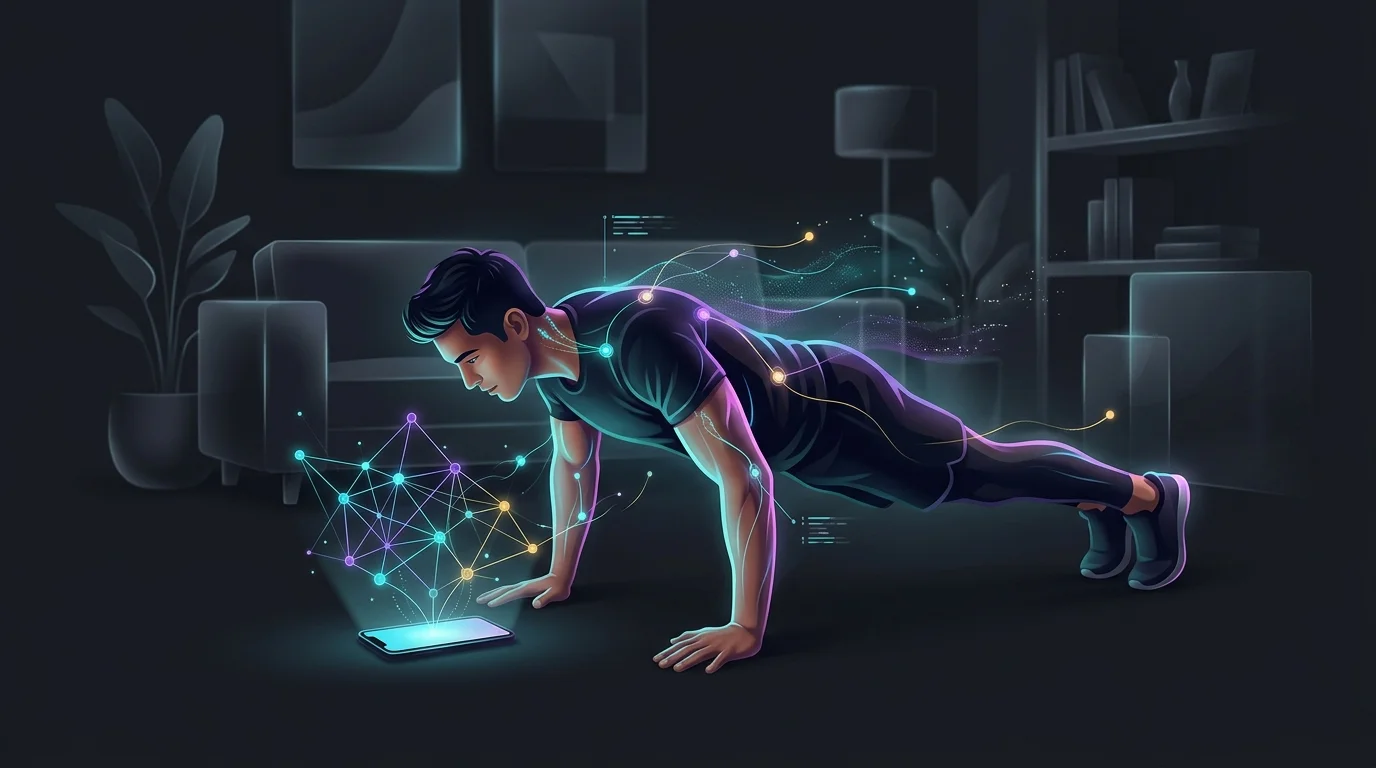
Freeletics centers on an AI Coach that builds weekly training plans based on your goals, fitness level, and available time. The workouts are primarily bodyweight-based with a high-intensity orientation, making the app a reasonable fit for beginners who want to train at home or outdoors without equipment. After each session you rate your perceived difficulty, and the Coach uses that feedback to adjust future sessions.
The feedback loop is one of Freeletics’ stronger features for an ai fitness app for beginners. Because the plan shifts based on how hard the previous session felt, new users do not need prior programming knowledge to get a plan that matches their current level. The free version of Freeletics is limited; the full AI Coach requires a subscription.
Fitbod: Strength Planning That Adapts Over Multiple Workouts
Fitbod is built around a muscle recovery model that tracks which muscle groups you have worked recently and generates workouts that prioritize recovered muscles. You log your equipment and experience level during setup, and the app builds sessions from there. Over multiple workouts, Fitbod develops a clearer picture of your strength levels and adjusts recommendations accordingly.
For a beginner, Fitbod works well if you are committed to strength training and willing to log your sets and reps consistently. The app assumes you will use a gym or have access to weights. Beginners who are not yet comfortable in a gym environment may find the experience less guided than Planfit. Fitbod offers a free trial before requiring a paid subscription.
Limitations Every Beginner Should Know Before Choosing an App
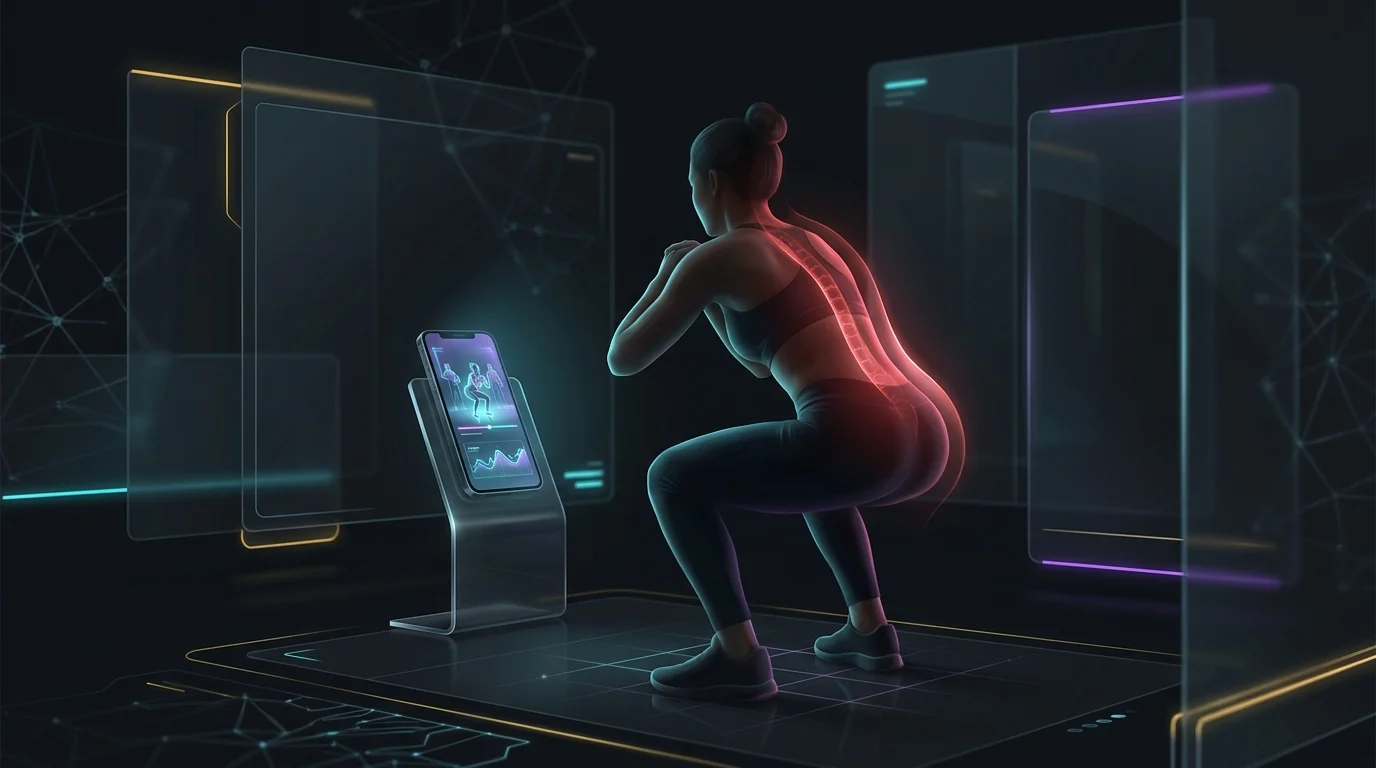
All four of these apps share one significant limitation: none of them can watch you move and correct your form in real time. Video demonstrations show what a movement should look like, but they cannot tell you if your knees are caving during a squat or if your lower back is rounding on a deadlift. A beginner who is entirely self-taught using any of these apps carries a real risk of reinforcing poor movement patterns.
Free tiers also vary in ways that are not always obvious before you download. Planfit, Freeletics, and Fitbod all restrict meaningful features behind a paywall. Nike Training Club is the most generous with free content, though its AI personalization is also the shallowest of the four. Before committing to a subscription, using each app’s free trial period to check whether the style matches how you prefer to train is a practical approach.
- None of these apps provide real-time form correction or movement analysis.
- Subscription costs are not always clearly disclosed during onboarding.
- Apps built for gym equipment will feel limited if you train at home, and vice versa.
- AI personalization improves as you log more data, so early sessions may feel relatively generic.

How to Choose the Right AI Fitness App as a Beginner
The clearest way to narrow down an ai fitness app for beginners is to start with your training environment. If you have access to a gym and want structured lifting sessions, Planfit or Fitbod are more appropriate starting points. If you plan to train at home or outdoors with little to no equipment, Freeletics or Nike Training Club are more practical choices.
A secondary factor is how much you want the app to decide for you. Freeletics and Planfit generate plans that tell you what to do each day. Fitbod does the same but works better the more consistently you log your workouts. Nike Training Club gives you a library with suggestions, which requires more self-direction. A beginner who finds choosing workouts stressful will generally do better with a plan-first app.
How these tools compare
| App | Pricing Model | Suited For |
|---|---|---|
| Planfit | Freemium | Gym beginners wanting a daily structured lifting plan |
| Nike Training Club | Free (some premium content available) | Beginners wanting trainer-led video workouts without a gym |
| Freeletics | Freemium | Beginners training at home or outdoors with bodyweight movements |
| Fitbod | Free trial then paid subscription | Beginners focused on strength training who will log consistently |
Frequently asked questions
Do I need a gym membership to use these apps?
Planfit and Fitbod are built around gym equipment and work best with access to weights. Freeletics and Nike Training Club offer large libraries of equipment-free workouts suitable for home or outdoor training.
Are any of these apps completely free?
Nike Training Club offers the most content without a subscription. Planfit and Freeletics have free tiers with limited features. Fitbod requires a subscription after a free trial period ends.
Can an ai fitness app for beginners teach me proper form?
These apps provide video demonstrations and verbal cues, but none offer real-time form feedback. They can show you what a movement should look like, but they cannot detect errors in your technique as you perform them.
How quickly does AI personalization improve?
Most of these apps refine their recommendations after several logged sessions. Early workouts may feel relatively generic until the app has collected enough data about your performance and preferences.
Which app gives beginners the most structured guidance?
Planfit and Freeletics are the most prescriptive: both generate a specific plan and tell you what to do each session. Fitbod is similarly structured but depends on consistent logging to work well. Nike Training Club offers more flexibility but also requires more self-direction.
Is a paid subscription worth it as a beginner?
It depends on the app. Freeletics and Planfit lock core AI coaching features behind a paywall, so the free tier may not reflect the full experience. Nike Training Club provides substantial value for free. Trying each app’s free tier or trial before subscribing is a sensible approach.