Beautiful.ai
AI presentation maker with Smart Slides that automatically handle design and layout as you type
About this Tool
Beautiful.ai is an AI-powered presentation tool built by Beautiful.ai Inc. that removes the manual design work from slide creation. Rather than wrestling with alignment, spacing, and layout, users type their content and the platform’s Smart Slides technology handles the visual structure automatically. It is aimed at business professionals, marketers, and teams who need to produce polished presentations quickly without relying on a dedicated designer.
How Beautiful.ai works
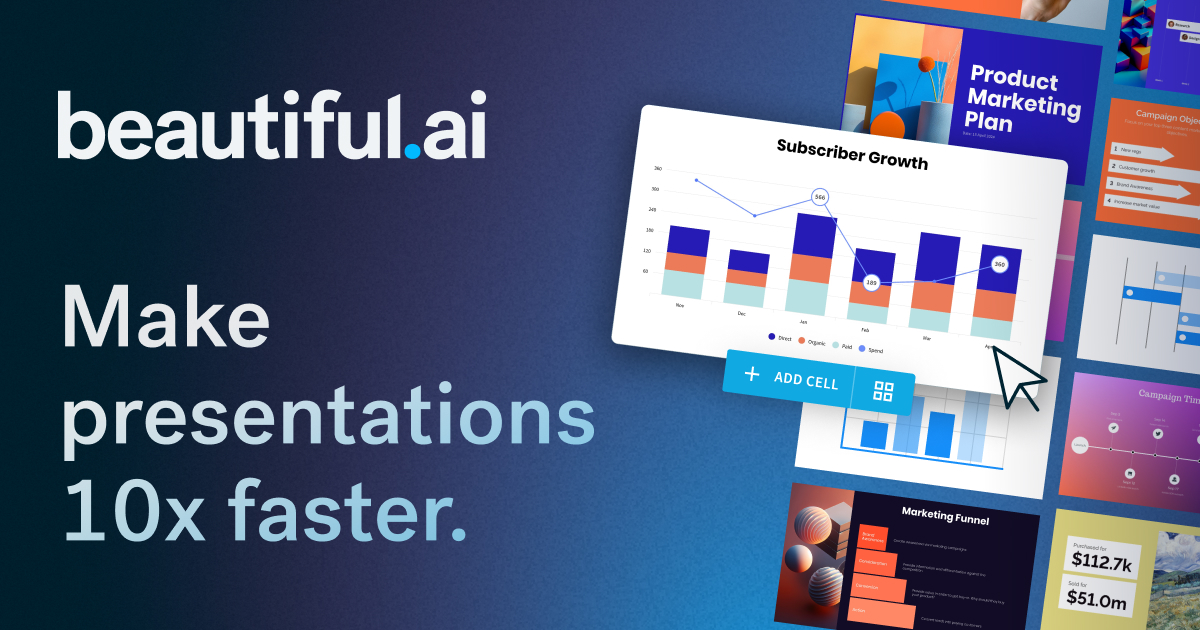
The core mechanism is Smart Slides, a system where each slide type carries built-in design logic. As you add or remove content, the layout recalculates in real time so elements stay balanced and visually consistent. The DesignerBot feature lets you describe a presentation in plain text and receive a drafted deck in seconds, which you can then refine slide by slide. Data visualization is handled through AI-assisted chart and graph tools that format figures into clean visuals without manual chart-building. The platform also surfaces image suggestions based on slide context, pulling from a built-in library to fill gaps without requiring you to leave the editor.
Strengths
- Smart Slides eliminates the most tedious part of presentation work: keeping everything aligned as content changes. Edits propagate automatically rather than cascading into a chain of manual fixes.
- DesignerBot gives users a starting point in seconds, which is useful when beginning from a blank deck or working under a tight deadline.
- The auto-design system enforces visual consistency across an entire deck, so a presentation produced by a non-designer still looks coherent.
- Data visualization tools reduce the friction of turning raw numbers into readable charts, which is a common bottleneck in business reporting decks.
- The Pro tier at $12 per month is competitively priced for individuals who need professional output regularly.
Limitations
- The automated layout system, while convenient, also constrains creative freedom. Users who want precise control over element positioning may find the constraints frustrating rather than helpful.
- Slide templates and design variety are narrower than what you get in PowerPoint or Google Slides with a custom theme, which can make decks feel visually similar to one another over time.
- The Team plan at $40 per user per month is a significant jump from the Pro tier and may not be justified for small teams with light presentation needs.
- DesignerBot-generated drafts often require substantial editing before they are presentation-ready, particularly when the subject matter is technical or nuanced.
- Offline access is not available since the tool is fully browser-based, which is a practical limitation for users who present in locations with unreliable connectivity.
Who it is for
Beautiful.ai is a strong fit for business professionals who build decks regularly but do not have design training or time to spend on layout work. Sales teams, consultants, and marketing managers who produce client-facing materials on a recurring basis will benefit most from the automation. It is also well suited to startup founders preparing investor pitch decks who need something polished quickly. It is less suited to designers, educators who need rich offline functionality, or anyone whose workflow depends on deep customization of individual slide elements.
How it compares
Beautiful.ai sits in a different productivity category than writing or task tools, but it is often evaluated alongside broader productivity software. If your bottleneck is written communication rather than visual presentation, Grammarly addresses a complementary problem: it reviews and improves the text that ends up inside your slides and documents, making the two tools practical companions rather than direct competitors.
For teams that use project management alongside presentation work, Todoist handles task tracking and deadline management but does not overlap with Beautiful.ai’s visual output. Together they cover two distinct pain points: what gets done and how it gets presented.
Against dedicated presentation competitors, Beautiful.ai trades the raw flexibility of tools like PowerPoint or Canva for speed and design consistency. That trade-off is worth making if your priority is a professional result with minimal time investment, and it is not worth making if control over the final look matters more than the time saved.
Pros & Cons
✓ Pros
- ✓Smart Slides AI Layout
- ✓DesignerBot AI Generation
- ✓Data Visualization AI
- ✓Workflow automation
- ✓AI-powered features
✗ Cons
- ✗Requires a paid subscription for full access
- ✗Some advanced features may require higher-tier plans
Key Features
Smart Slides AI Layout
DesignerBot AI Generation
Auto-Design Adjustments
Data Visualization AI
Image Suggestions
Team Collaboration
3M+ Professional Users
Analytics
📋 Scripts & Prompts for Beautiful.ai
Copy these AI-powered scripts to get maximum value from this tool. Sign up free to copy.
No scripts added for this tool yet.
Browse all Productivity scripts in the Vault →🔌 MCP Servers for Beautiful.ai
Connect these MCP servers to give Claude, Cursor & Cline superpowers with this tool. Sign up free to copy install commands.
🤖 AI Agents for Beautiful.ai
Pre-built automation agents that work with this tool — import in one click. Sign up free to access.
Similar Productivity Tools



Who Is This For?
Startups
Enterprise
Tags
Frequently Asked Questions
Beautiful.ai is available as pro $12/mo; team $40/user/mo. Visit the tool's website for the latest pricing details and plan options.
Visit the Beautiful.ai website to check whether a free tier or free trial is available.
Beautiful.ai is available on Desktop, Web. Check the official website for the latest platform support.
Many tools offer free trials to let you test before subscribing. Check the Beautiful.ai website for current trial availability and duration.
Community Rating
Is this your tool? Claim this listing →