Can AI Meeting Tools Join Without a Visible Bot?
Last reviewed: June 2026
When you invite an AI notetaker to a meeting, a bot account often shows up in the participant list under a name like Fred or OtterPilot. That visible presence raises immediate questions about consent, professionalism, and privacy. Not every host or attendee is comfortable seeing an unknown account sitting silently in the room.
The question of whether an AI notetaker can capture a meeting without sending a visible bot is not a simple yes or no. The answer depends on which tool you use, how it connects to your calendar and conferencing platform, and what recording method it employs. If you want to compare more options side by side, you can browse additional tools in the AI business tools directory.
This article looks at three widely used AI meeting notetakers, Otter.ai, Fathom, and Fireflies.ai, and explains how each one handles the bot question, what consent rules apply, and where the trade-offs land when you choose a botless approach over a joined bot.
Key takeaways
- Most AI meeting notetakers rely on a bot participant that joins the call and is visible to all attendees.
- Otter.ai offers a local recording path through its mobile and desktop apps that does not require a bot to join the call.
- Fathom and Fireflies.ai both operate primarily through a bot participant; neither offers a fully botless mode as a standard feature.
- Recording any conversation without notifying participants may violate two-party or all-party consent laws depending on your jurisdiction.
- Botless recording shifts legal responsibility more directly onto the individual user because there is no in-meeting disclosure from the tool itself.

How AI Meeting Notes Apps Record Without a Bot
The term bot, in the context of AI meeting notetakers, refers to a software account that dials into or joins a video conference as if it were a human participant. It requests access, appears in the participant panel, and captures audio or a transcript stream directly from the call. This approach is common because it works across platforms without requiring any local software installation.
A botless approach takes a different route. Instead of joining the call as a participant, the software captures audio directly from your device, either through a desktop app that taps the local audio output or through a mobile app using the microphone. The result is that no new participant appears in the meeting, and other attendees may not realize a recording is being made unless you tell them.
Understanding this distinction matters because the two methods carry different technical limitations, different disclosure footprints, and different legal implications.
Otter.ai: OtterPilot Bot Versus Local Recording
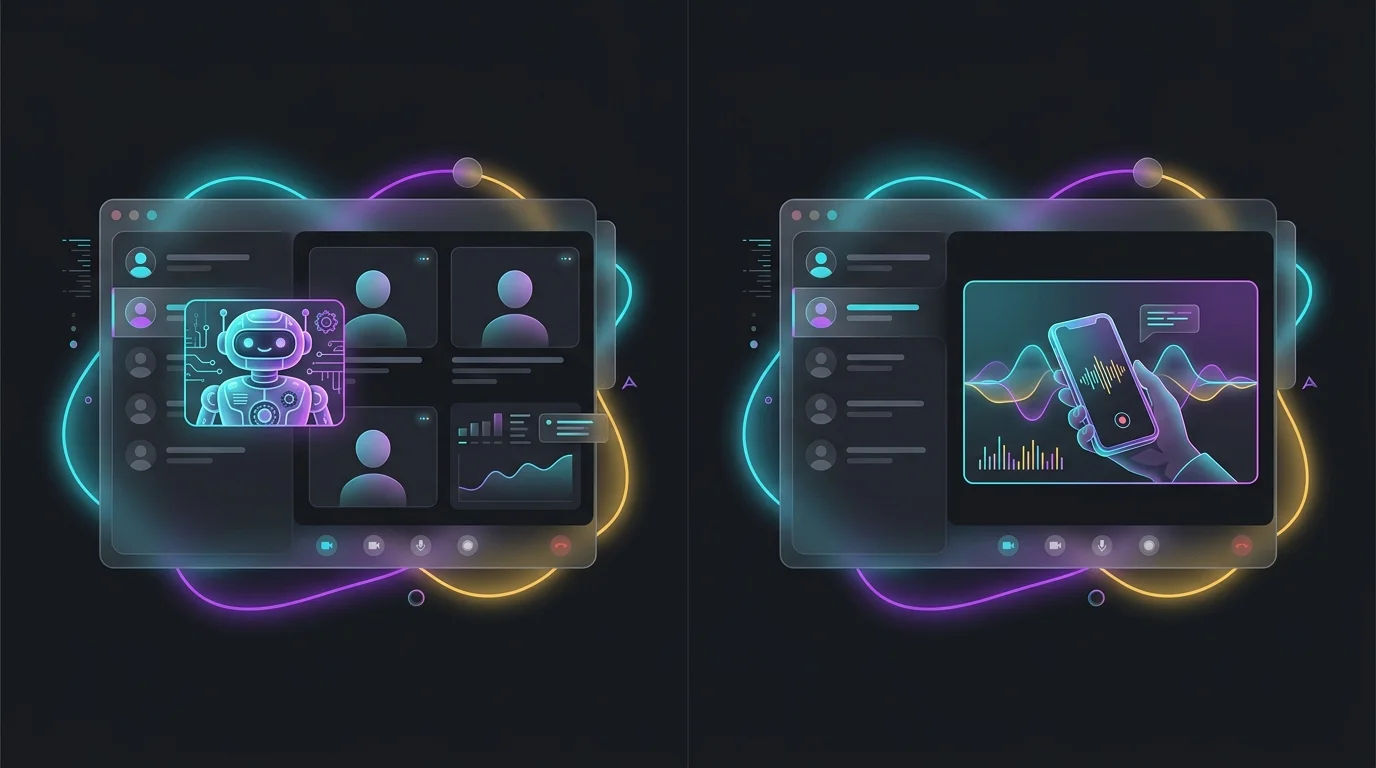
Otter.ai sends a participant called OtterPilot into Zoom, Google Meet, and Microsoft Teams meetings when you use its automated meeting capture feature. OtterPilot appears in the participant list, so everyone in the meeting can see that a recording tool has joined. Otter.ai prompts you to notify participants, and many conferencing platforms display their own recording notification banners regardless. See the U.S. Small Business Administration for official guidance.
Otter.ai also provides a mobile app and a web recorder that capture audio locally without sending any bot into a call. A user can open the Otter.ai app, start a recording session, and capture whatever is playing through their speaker or microphone. No additional participant joins the meeting. This makes Otter.ai one of the more flexible tools in the category for users who specifically want ai meeting notes without bot participation.
The trade-off is that local recording quality depends on your microphone and speaker setup. Speaker identification and transcription accuracy can be lower than when the bot captures a clean audio stream directly from the conferencing platform.
Fathom: Bot-First Design With No Standard Botless Mode
Fathom works by connecting to your calendar and automatically dispatching a bot to join your Zoom, Google Meet, or Microsoft Teams calls. The bot appears in the participant list and is named to signal that a recording is in progress. Fathom’s free tier includes this core functionality, which is one reason it has gained traction with individual users and small teams.
Fathom does not offer a published botless recording mode as a standard feature. Its architecture is built around the joined-bot approach. If you need ai meeting notes without bot visibility, Fathom is not designed for that use case, and attempting to record a call through a third-party audio capture workaround while using Fathom would step outside the tool’s intended workflow.
Fireflies.ai: Fred the Bot and Integration Depth
Fireflies.ai uses a bot called Fred that joins meetings as a participant. Fred appears in the participant list by name, which makes its presence transparent. Fireflies.ai’s strength is in its integration ecosystem, connecting transcripts to CRMs, project management tools, and Slack channels automatically.
Like Fathom, Fireflies.ai does not publish a botless recording mode. Its workflow assumes the bot will join the call. Some users have experimented with uploading locally recorded audio files to Fireflies.ai after a meeting, which sidesteps the live bot entirely, but that is a manual workaround rather than an automated botless feature. The transcription quality in that workflow also depends on the quality of the audio file you upload.
Consent and Legal Considerations for Botless Recording
When a bot joins a call, it is visible. That visibility itself functions as a form of disclosure, even if it is not a formal legal notice. Many conferencing platforms also display their own banners when recording starts. Botless local recording removes both of those signals, which places the entire disclosure responsibility on the person initiating the recording.
Recording laws vary significantly by country, US state, and context. In the United States, some states require all parties to consent to being recorded. In those jurisdictions, capturing a meeting secretly through a local app, even for your own notes, may create legal exposure. In two-party or all-party consent states, announcing at the start of a call that you are recording is not optional.
The practical recommendation is to announce that you are recording regardless of the method you use. That announcement is both ethically sound and often legally required. The fact that your tool did not send a visible bot does not substitute for consent.

Trade-Offs of Bot Versus Botless Approaches
A bot joining a call produces a more accurate transcript in most cases because it receives a clean audio feed directly from the conferencing platform. Speaker labels tend to be more reliable, and the tool can often capture shared screens or slides alongside the audio. Botless local recording captures whatever your microphone picks up, which includes background noise and depends on speaker volume and positioning.
On the etiquette side, some meeting hosts and participants find bot participants disruptive or feel that they change the dynamic of a conversation. In sensitive discussions, a visible bot may cause participants to self-censor. A local recording approach is less intrusive in that narrow sense, but only if you have disclosed the recording by other means. Attempting to record without any disclosure is an etiquette and potential legal problem regardless of whether a bot is visible.
For most business users, the transparency of a visible bot is actually an advantage, not a drawback. It signals clearly that notes are being taken, reduces the burden of manual note-taking, and aligns with standard professional norms around meeting documentation.
How these tools compare
| Tool | Pricing Model | Bot Visible in Meeting | Botless Option | Best For |
|---|---|---|---|---|
| Otter.ai | Freemium | Yes, OtterPilot | Yes, via mobile or desktop local recording | Users who want flexibility between bot and local capture |
| Fathom | Free with paid upgrades | Yes, named bot | No standard botless mode | Individuals wanting a free auto-joined notetaker |
| Fireflies.ai | Freemium | Yes, Fred | No standard botless mode (manual upload workaround only) | Teams needing deep CRM and app integrations |
Frequently asked questions
Can an AI meeting notes app record without anyone knowing?
Technically possible with local recording tools, but in most jurisdictions recording a conversation without notifying participants is illegal or a consent violation. Always disclose that you are recording, regardless of the method.
Does Otter.ai always send a bot to my meetings?
No. Otter.ai’s OtterPilot feature sends a bot, but the mobile and desktop apps can record locally without joining as a participant. You control which method you use.
Does Fathom work without a bot joining the call?
Not as a standard feature. Fathom is designed around its bot joining your calendar-connected calls. There is no published botless recording mode.
Is botless recording more private for the person being recorded?
Not inherently. Botless means the tool is less visible, but if you have not told other participants that recording is happening, it is less transparent, not more private. Disclosure is what creates ethical and legal compliance.
Can I upload a locally recorded audio file to Fireflies.ai instead of using the bot?
Fireflies.ai does support audio file uploads for transcription, so you can bypass the live bot by recording locally first and uploading afterward. This is a manual workflow and not the tool’s primary design.
Which AI meeting notetaker is the best choice if I want ai meeting notes without bot participation?
Otter.ai is the most straightforward choice because it offers a native local recording option alongside its bot feature. The other major tools in this category are primarily bot-first designs.