How to Switch to Digital Banking: Top Picks for 2026
Last reviewed: June 2026
You want to move your checking, savings, and bills to an online-only bank. You may have a legacy account with a brick-and-mortar institution that charges $12 a month in fees. You worry about security and missing cash deposits.
Keeping money in a paper-heavy system costs time and money. A study from the FDIC shows that consumers who use digital banks save an average of $200 per year on fees and earn higher interest on balances. Faster payments let you avoid late fees that can add up to $50 each month.
This post shows you how to evaluate digital banks, move your money, set up automatic payments, and protect your data. Follow each step and you can complete the transition in two weeks.
This article provides educational information only and does not constitute financial or legal advice.
Key Takeaways
- List your current accounts
- balances
- and recurring payments before you start
- Choose a digital bank that offers FDIC insurance, low fees, and the features you need.
- Open the new account, fund it with a direct deposit or a linked external account, and wait for the verification hold to clear.
- Transfer each automatic bill payment to the new account, then cancel the old one.
- Update your debit card information for any merchant that stores your card number.
- Keep the old account open for 30-45 days to catch stray deposits, then close it.

Assess Your Current Banking Situation
For a vetted, regularly updated list of tools that can help, explore our AI finance tools directory.
Write down every account you hold. Include checking, savings, money-market, and any credit cards that draw from a bank account. Note the balance, monthly fee, and interest rate. Also list every recurring debit. Common items are:
- Rent or mortgage $1,200, Electricity $120, Phone $80, Gym $45
Having a clear picture helps you compare the cost of your current setup with a digital alternative.
Identify Pain Points
If you pay $12 a month for a checking account that earns 0.01 % APY, you lose $144 a year in fees. If you miss a payment because a check is delayed, you may incur a $35 late fee. These numbers add up quickly.
Set Your Goals
Decide what matters most. Some users want the highest interest on balances. Others need a robust mobile app for check deposits. Write down the top three priorities. This will guide your bank selection.

Choose the Right Digital Bank
Digital banks differ in fee structures, interest rates, and features. Look for these core criteria.
FDIC Insurance
Make sure the institution is FDIC-insured. This protects deposits up to $250,000 per owner, per bank. If a bank offers a “partner bank” model, verify that the partner is also insured.
Fee Schedule
Many digital banks charge no monthly fee. Some may charge a small fee for out-of-network ATM use. Compare the fee schedule to your current $12 monthly charge.
Interest Rates
High-yield checking accounts can offer 3 % to 5 % APY on balances up to $10,000. Savings accounts may reach 5 % APY. Choose a tier that matches the amount you plan to keep in the account.
Mobile App Features
Check that the app supports:
- Mobile check deposit, Instant transfers to external banks, Bill pay or integration with bill-pay services, Two-factor authentication
Read recent user reviews on the App Store or Google Play. Look for recent updates that address security or usability.
Customer Support
Digital banks often rely on chat or email. Verify that support is available 24 hours a day and that response times are under 24 hours for most issues.
Example Options (as of 2026-05-18)
- Ally Bank: No monthly fees, 5 % APY on balances up to $15,000, FDIC insured.
- Chime: No overdraft fees, early direct deposit, limited ATM network.
- Varo: Tiered interest rates, budgeting tools, 24-hour chat support.
Pick the one that meets your three priority goals.
Open Your New Digital Account
Gather Required Documents
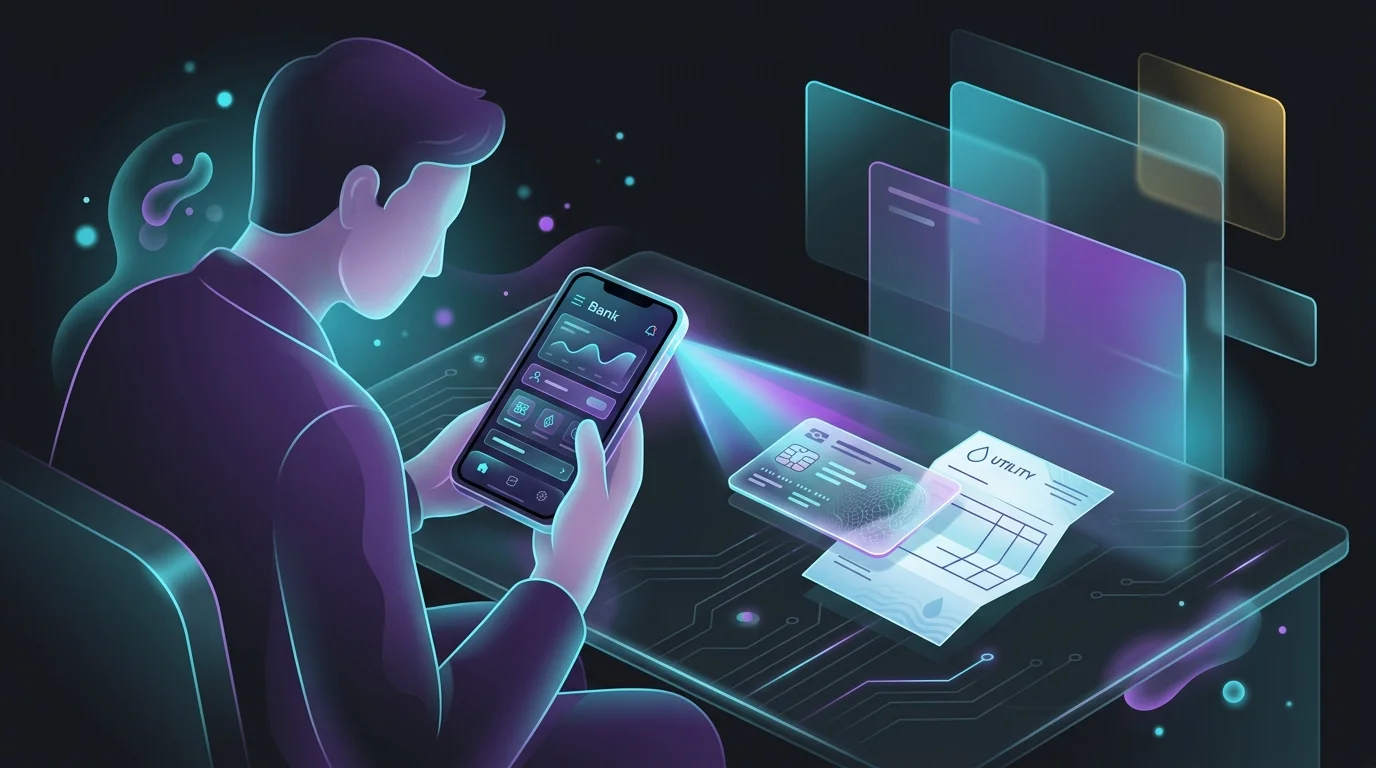
You will need a government-issued ID, Social Security number, and a physical address. Some banks also ask for a recent utility bill.
Complete the Online Application
Visit the bank’s website or download the app. Fill out the personal information fields, then submit. Most banks approve accounts within minutes.
Fund the Account
You can fund the new account in three ways:
- Direct deposit from your employer. Provide the routing and account numbers the bank supplies.
- Transfer from an existing external account. Initiate an ACH transfer of $100 to verify the link.
- Mobile check deposit. Snap a photo of a personal check and upload it.
The first $100 transfer may appear as a pending hold for 1-2 business days. Wait for it to clear before moving larger sums.
Set Up Security
Enable two-factor authentication using an authenticator app, not SMS. Set a strong, unique password. Store the recovery phrase in a secure password manager.
Transfer Automatic Payments
List All Recurring Debits
Use the list you created earlier. Log into each biller’s website and locate the “payment method” section.
Update Payment Details
Enter the routing and account numbers of your new digital bank. Save the changes and note the effective date. Most billers process the change within one billing cycle.
Verify the Change
After the first payment date, log into the digital bank and confirm the debit cleared. If a payment fails, contact the biller immediately to avoid service interruption.
Cancel Old Account Payments
Once the new payment has cleared, go back to the old bank’s online portal and delete the automatic payment entries. This prevents double charges.
Move Your Money
Transfer Remaining Balances
After all automatic payments are confirmed on the new account, initiate a final ACH transfer of the remaining balance from the old account. Keep a buffer of $200 in the old account until you are sure no stray deposits arrive.
Keep the Old Account Open Temporarily
Leave the legacy account open for at least 30 days. Some employers or government agencies may still send checks to the old routing number. Any stray deposit will bounce back and can be re-deposited.
Close the Old Account
Call the old bank’s customer service line or use the online closure form. Request a written confirmation that the account is closed and that the balance is zero. Keep the confirmation for your records.
Protect Your Data and Money
Monitor Account Activity
Check your digital bank daily for the first two weeks. Set up push notifications for any transaction over $100. This helps you spot unauthorized activity early.
Use a Dedicated Email
Create a separate email address for banking alerts. This reduces the risk of phishing attacks that target your primary inbox.
Enable Card Controls
If your digital bank offers virtual card numbers or the ability to lock a card instantly, turn on those features. Use a virtual card for online subscriptions and keep your physical card for in-person purchases.
Backup Important Documents
Download your account statements as PDFs and store them in an encrypted cloud folder. This provides a record in case the bank’s portal experiences downtime.
Optimize Your New Digital Banking Experience
Take Advantage of High-Yield Tiers
If your new account offers higher APY for balances up to a certain limit, keep at least that amount in the account. For example, a 4.5 % APY on the first $10,000 can earn $450 a year compared with a standard 0.01 % APY.
Set Up Savings Goals
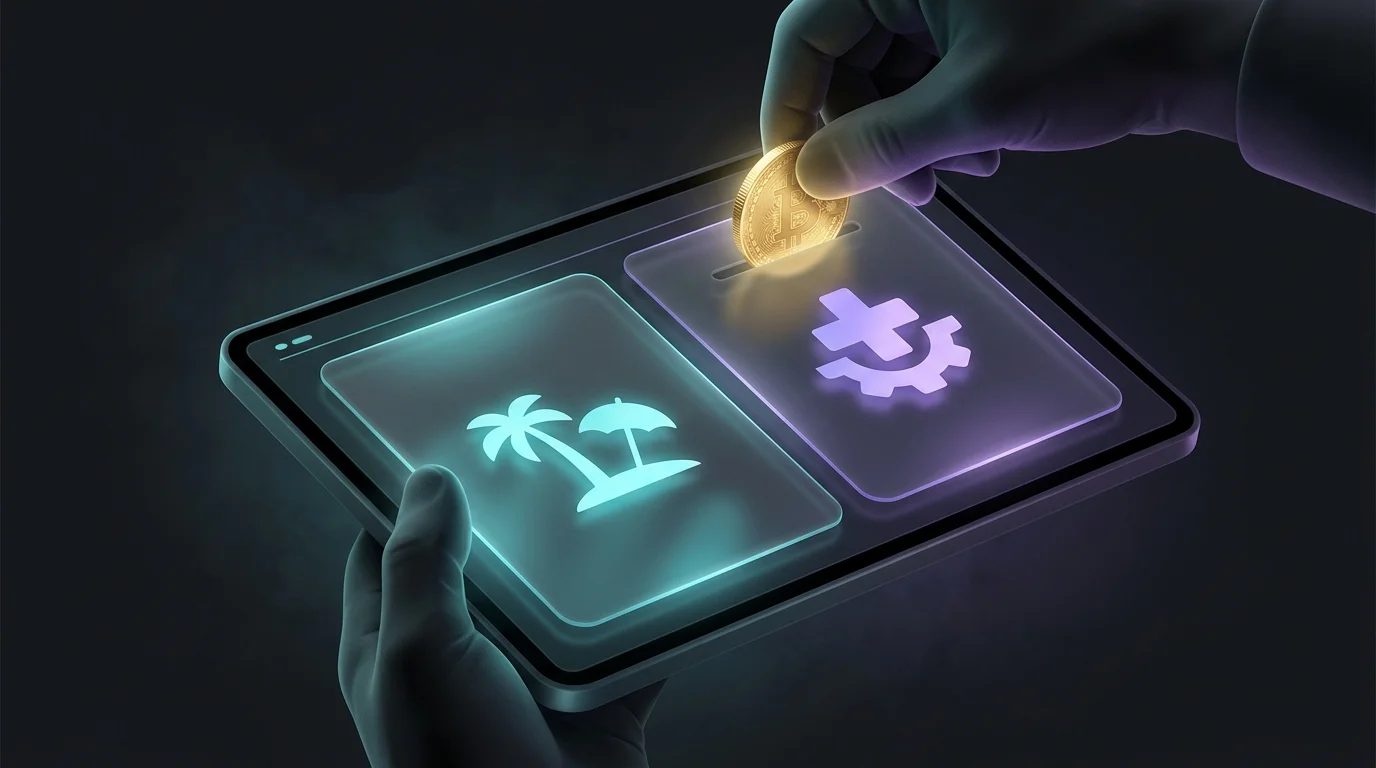
Use the bank’s built-in goal tracker to allocate a portion of each paycheck to a “Vacation” or “Emergency Fund” bucket. Automating this step builds savings without extra effort.
Link an External Account for Backup
Maintain a secondary external account at a traditional bank for cash deposits that cannot be made digitally. Keep the link active in case you need to move money quickly.
Review Fees Quarterly
Even digital banks can add new fees. Review your statements every three months and compare them to your original $12 monthly fee. Cancel or switch if fees rise.
Common Mistakes to Avoid
Skipping the Verification Hold
Moving a large sum before the $100 verification hold clears can cause the transfer to fail. Wait until the hold is released.
Forgetting to Update Direct Deposit
If your employer continues to send paychecks to the old routing number, you will face bounced deposits. Verify the direct deposit change with payroll.
Ignoring ATM Fees
Some digital banks reimburse a limited number of out-of-network ATM fees per month. Track your ATM usage and plan withdrawals at partner locations to avoid surprise costs.
Leaving Old Cards Active
Old debit cards may still work until the account is closed. Destroy them by cutting them into pieces once you receive confirmation of closure.
Final Checklist, Write down all accounts and recurring payments.
- Choose a digital bank that meets fee, interest, and security criteria.
- Open and fund the new account, enable 2FA.
- Update every automatic payment to the new routing number.
- Transfer remaining balances and keep the old account open 30 days.
- Close the old account and get written confirmation.
- Monitor activity, use virtual cards, and review fees quarterly.
Following these steps will move you to a fully digital banking setup in under two weeks. You will save on fees, earn higher interest, and control your finances from any smartphone.
Frequently Asked Questions
How long does it take to open a digital bank account?
Most banks approve an account within minutes of submitting the online form. Funding the account may require 1-2 business days for the first ACH transfer.
Can I still deposit cash after switching to a digital bank?
Digital banks do not accept cash at a branch. You can use a third-party network such as Green Dot or a partner retailer that offers cash-in services, then transfer the money electronically.
What if a biller refuses to accept my new account number?
Contact the biller’s support team and explain the change. Most will accept a new routing and account number within one billing cycle. If they refuse, consider switching the service or using a third-party payment service.
Are digital banks safe from fraud?
Yes, if you enable two-factor authentication, use a unique password, and monitor transactions. FDIC insurance protects deposits up to $250,000 per owner.
Will I lose access to my old checks after I close the account?
You will no longer be able to write checks from the closed account. If you need checks, order a new checkbook from the digital bank or use electronic bill pay for most payments.
Do I need a separate savings account with a digital bank?
Not necessarily. Many digital banks combine checking and savings features with tiered interest rates. Keep a separate high-yield savings account only if you want to separate emergency funds from daily spending.