Raycast
AI-powered Mac productivity launcher with AI assistant, file search, and 1,000+ extensions
About this Tool
Raycast is a Mac productivity launcher built by Raycast Technologies. It replaces Spotlight with a faster, more capable command bar that lets users launch apps, search files, run commands, and interact with an AI assistant without leaving the keyboard. It targets Mac power users, developers, and anyone who wants to cut the friction out of repetitive desktop tasks.
How Raycast works
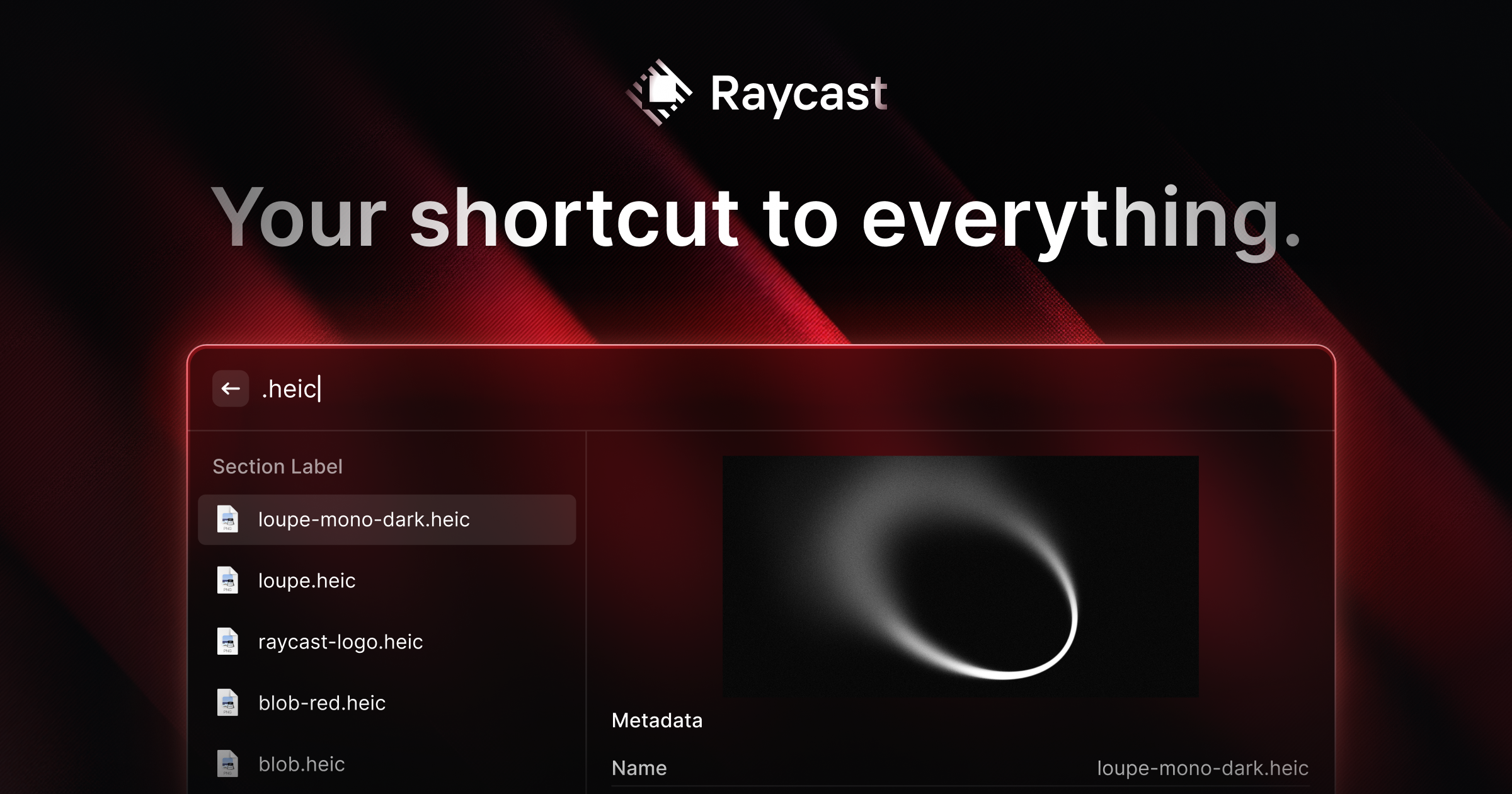
Raycast sits behind a global keyboard shortcut and opens an instant command palette on your screen. You type a query, and Raycast surfaces matching apps, files, clipboard history, web searches, or system actions. The extension ecosystem lets teams and individuals add integrations for tools like GitHub, Jira, Linear, Figma, and hundreds of others, all accessible from the same bar. The Pro tier adds an AI assistant that answers questions, drafts text, and summarizes content inline, drawing on the same launcher interface rather than requiring a separate app.
Strengths
- Speed: The launcher is noticeably faster than macOS Spotlight for both app switching and file search, with results appearing before most users finish typing.
- Extension library: With over 1,000 extensions, Raycast connects to a wide range of services and workflows. Extensions are built by the community and by Raycast itself, and many are free to install.
- Clipboard history: Raycast stores a searchable clipboard history so you can retrieve anything you copied earlier in a session, which is a small feature that removes a lot of back-and-forth.
- Window management: Built-in window snapping and tiling shortcuts handle basic window layout without a separate utility like Magnet or Rectangle.
- AI assistant access: Pro users get an AI assistant built directly into the launcher. You can ask questions or generate text in the same interface you use for everything else, which keeps context switching low.
- Free tier is genuinely useful: The core launcher, file search, clipboard history, window management, and extension library are all available without paying anything.
Limitations
- Mac only: Raycast does not run on Windows or Linux. Teams with mixed operating systems cannot standardize on it.
- AI features require Pro: The AI assistant is locked behind the paid plan at $8 per month. Users on the free tier get the launcher but none of the AI functionality that Raycast has been increasingly marketing.
- Extension quality varies: Because much of the extension library is community-built, maintenance and reliability differ between extensions. Some popular integrations go unmaintained when third-party APIs change.
- Learning curve for power features: The basic launcher is immediately usable, but getting full value from scripts, window management keybindings, and custom extensions takes time to configure.
- AI assistant is general-purpose: The built-in AI does not have deep context about your files or apps by default. It works well for quick questions and text generation but is not a specialized writing or coding assistant.
Who it is for
Raycast is best suited for Mac users who spend most of their day switching between apps, searching for files, and running repetitive commands. Developers get particular value from the GitHub and API-connected extensions. Knowledge workers who want to consolidate app launching, window management, and clipboard history into one tool will find the free tier covers most of their needs. The Pro plan makes sense for users who want AI assistance without opening a separate browser tab or app.
How it compares
Raycast handles tasks across the desktop layer: launching, searching, and managing windows. Tools like Grammarly focus on a different slice of productivity, specifically writing quality and grammar checking inside documents and email. The two are not competing products; many users run both. If your productivity gap is around writing clarity rather than app switching, Grammarly addresses that more directly than Raycast does.
For task and project management, Todoist offers structured to-do lists, project views, and team collaboration that Raycast does not attempt to replicate. Raycast can surface Todoist tasks through an extension, which makes the two complementary rather than alternatives. If you need a dedicated task manager with reminders, recurring tasks, and project tracking, Todoist is the tool for that; Raycast is the tool for reaching it faster.
Pros & Cons
✓ Pros
- ✓AI Assistant Integration
- ✓Supercharged App Launcher
- ✓AI-powered features
- ✓Free plan or freemium pricing
✗ Cons
- ✗No native Android app
- ✗Some advanced features may require higher-tier plans
Key Features
AI Assistant Integration
Supercharged App Launcher
Clipboard History
Window Management
1,000+ Extensions
File Search
Snippet Manager
Script Commands
📋 Scripts & Prompts for Raycast
Copy these AI-powered scripts to get maximum value from this tool. Sign up free to copy.
No scripts added for this tool yet.
Browse all Productivity scripts in the Vault →🔌 MCP Servers for Raycast
Connect these MCP servers to give Claude, Cursor & Cline superpowers with this tool. Sign up free to copy install commands.
🤖 AI Agents for Raycast
Pre-built automation agents that work with this tool — import in one click. Sign up free to access.
Similar Productivity Tools



Use Cases
professionals like you
Who Is This For?
Developers
Students
Tags
Frequently Asked Questions
Raycast is available as free; pro $8/mo with ai. Visit the tool's website for the latest pricing details and plan options.
Raycast offers a free plan. Check the website for feature limitations and upgrade options.
Raycast is available on Api, Browser_extension, Desktop, iOS. Check the official website for the latest platform support.
Many tools offer free trials to let you test before subscribing. Check the Raycast website for current trial availability and duration.
Community Rating
Is this your tool? Claim this listing →