Cronometer
AI precision nutrition tracker with detailed micronutrient analysis and science-based targets
About this Tool
Cronometer is an AI-powered nutrition tracking app built by Cronometer Software Inc., a Canadian company that has focused on detailed micronutrient analysis since 2011. Unlike most calorie counters that stop at macros, Cronometer tracks up to 82 individual nutrients, making it a go-to choice for anyone who wants granular visibility into what they eat. It appeals to health-conscious individuals, people managing specific dietary protocols, and anyone who finds standard food trackers too shallow.
How Cronometer works
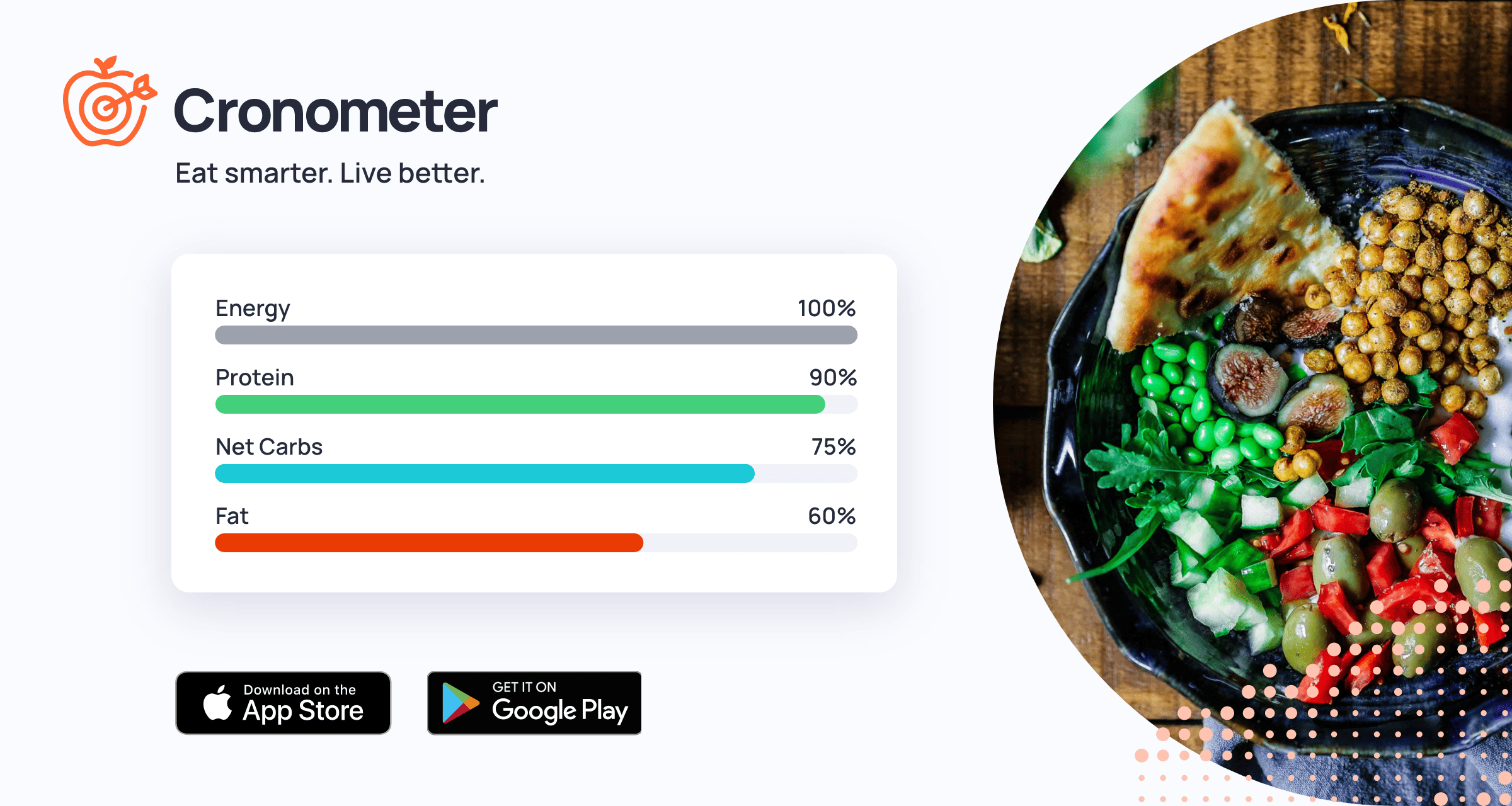
The core experience centers on logging food and seeing a full nutrient breakdown in return. You search the database, select your food, enter the quantity, and Cronometer maps that entry against dozens of vitamins, minerals, amino acids, and fatty acids. The app pulls from verified, lab-analyzed data sources including the USDA and NCCDB, which sets it apart from crowd-sourced databases where accuracy varies wildly.
AI Nutrient Targets adjust your recommended daily intake values based on the biometric data you provide, such as age, sex, weight, activity level, and health goals. The app then visualizes your progress toward each target throughout the day. Biometric logging lets you track weight, body fat, blood pressure, blood glucose, and other markers alongside your nutrition data, so you can spot correlations over time. Custom food entries allow you to add items that are not in the database, including home recipes with ingredient-level nutrient calculations.
Strengths
- Micronutrient depth: No mainstream tracker comes close to the level of nutrient detail Cronometer provides. If you care about zinc, magnesium, omega-3 ratios, or B-vitamin subtypes, this is where you get that data.
- Database accuracy: The verified food database prioritizes lab-tested entries over user submissions. This means fewer phantom calories and more reliable micronutrient numbers.
- Biometric integration: Logging health markers alongside food data in one place makes it easier to connect dietary changes with measurable outcomes.
- Science-based defaults: Nutrient targets reference established dietary guidelines rather than arbitrary numbers, and you can customize them if you follow specific protocols like keto or a therapeutic diet.
- Generous free tier: The free version includes full micronutrient tracking and the core food database, which is more than many competitors offer without a subscription.
Limitations
- Smaller food database: Because Cronometer prioritizes verified entries, its database is smaller than crowd-sourced alternatives. Packaged foods, restaurant meals, and regional items can be harder to find, which means more manual entry.
- Steeper learning curve: The sheer volume of nutrient data can overwhelm new users. If you just want to count calories and protein, the interface presents far more information than you need.
- Barcode scanning gaps: While barcode scanning exists, it hits misses more often than apps with larger user-contributed databases. You may end up typing in entries that you expected to scan.
- Social features are minimal: There is no friend feed, no challenges, and no community layer. If accountability through social interaction matters to you, Cronometer does not provide it.
- Recipe logging is tedious: Building custom recipes requires entering each ingredient individually. For people who cook frequently with varied ingredients, this adds up to significant daily input time.
Who it is for
Cronometer fits best for people who treat nutrition as a data problem. That includes those managing medical conditions through diet, athletes dialing in micronutrient intake, people on elimination or therapeutic diets, and anyone who has outgrown basic calorie counting. It is also a strong pick for healthcare professionals and dietitians who need detailed nutrient reports for clients. If your primary goal is just tracking calories with minimal effort, a simpler tracker will serve you better.
How it compares
The most common alternative is MyFitnessPal, which offers a much larger food database thanks to years of user contributions and barcode scanning coverage. MyFitnessPal is easier to pick up and better suited for casual calorie tracking, but its micronutrient data is sparse and its user-submitted entries can be inaccurate. Cronometer wins on data quality and nutrient depth; MyFitnessPal wins on convenience and database size.
For users who also want to track exercise, Strava covers the fitness side with GPS-based activity tracking and a strong social community, but it does not offer any meaningful nutrition logging. Pairing Cronometer with Strava can work well for athletes who want detailed nutrition and workout data, though the two apps do not integrate directly.
Pros & Cons
✓ Pros
- ✓Comprehensive micronutrient tracking
- ✓Verified and accurate food databases
- ✓Strong wearable device integration
✗ Cons
- ✗Advanced features require Gold subscription
- ✗Interface can feel data-dense for casual users
- ✗No built-in social or community features
Key Features
Micronutrient Tracking
AI Nutrient Targets
Verified Food Database
Biometric Logging
Custom Food Entries
Nutrient Reports
Wearable Sync
Diary Sharing
📋 Scripts & Prompts for Cronometer
Copy these AI-powered scripts to get maximum value from this tool. Sign up free to copy.
🔌 MCP Servers for Cronometer
Connect these MCP servers to give Claude, Cursor & Cline superpowers with this tool. Sign up free to copy install commands.
🤖 AI Agents for Cronometer
Pre-built automation agents that work with this tool — import in one click. Sign up free to access.
Similar Fitness & Health Tools


Use Cases
you
nutritionists, dietitians, research institutions, schools, and hospitals that sy
nutritionists, dietitians, research teams, schools, and hospitals that syncs wit
Tags
Frequently Asked Questions
Cronometer is available as free / $8.99/mo. Visit the tool's website for the latest pricing details and plan options.
Cronometer offers a free plan. Check the website for feature limitations and upgrade options.
Cronometer is available on Android, Browser_extension, iOS, Web. Check the official website for the latest platform support.
Many tools offer free trials to let you test before subscribing. Check the Cronometer website for current trial availability and duration.
Community Rating
Is this your tool? Claim this listing →